























DigitalNow - Your flexible entry into digitalisation Beta
Convert previously paper-based or even new workflows to a new, efficient approach. Design different forms for the digital capture and further processing of all your operations. The integrated cloud-based database keeps your data safely stored long term.
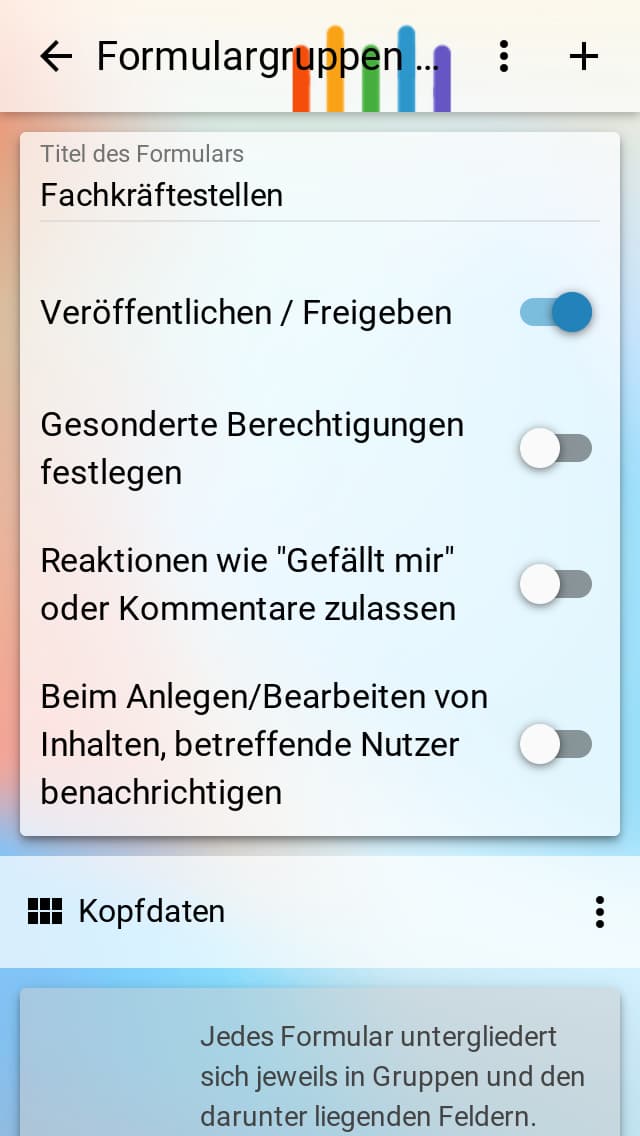
Design forms completely freely according to your ideas
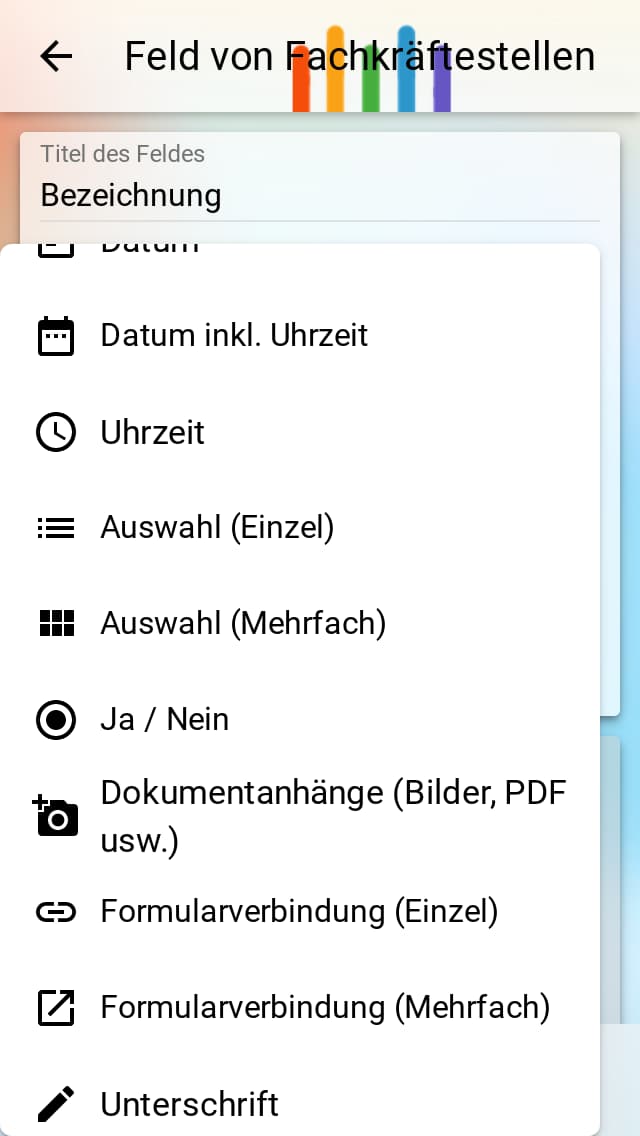
For the most optimal flow of your digitalisation project, you can design the necessary forms individually and flexibly. This includes structuring into sections for better clarity and choosing between more than 20 different field types. In addition to pure information fields, this includes simple inputs such as email, numbers, or selection and signature fields. This allows you to leave previously paper-based workflows behind and implement them digitally.
The integrated cloud database always ensures secure storage
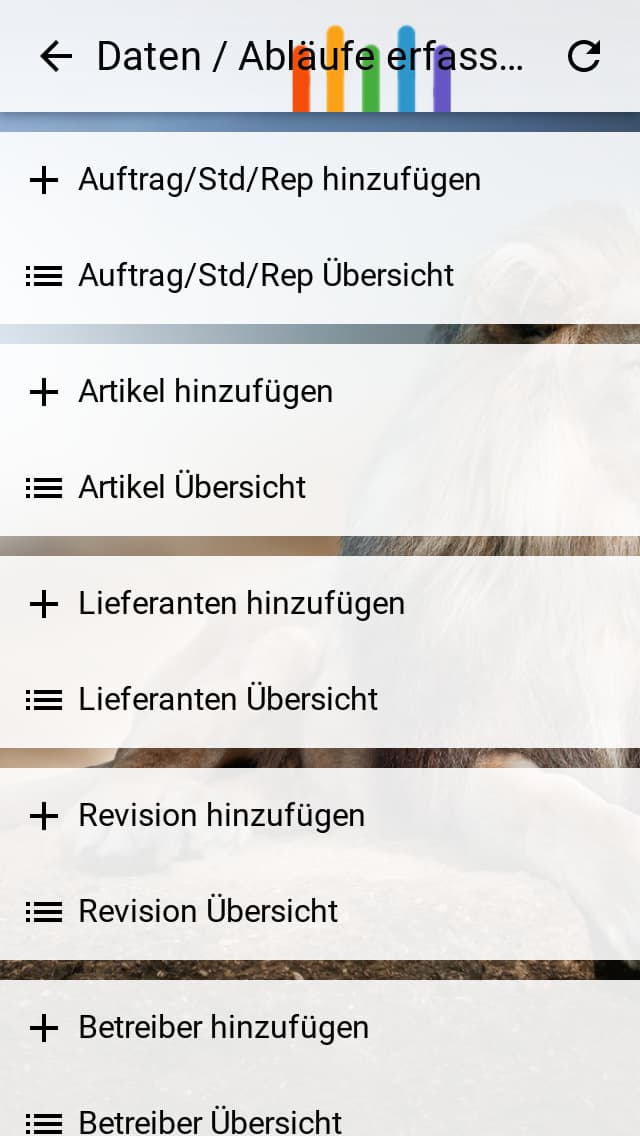
With every form type you create and every form input saved by users, the creation of a secure data store happens automatically in the background. You don't need any knowledge of servers or database software. Storage is multiply secured in the data centres operated by us within Germany. Captured data is partially cached on the user's device in the App for fast access, the rest is stored in the cloud. This way you save yourself bothersome work like backups or software updates of data and software.
Secure your data through orderly access via users and groups
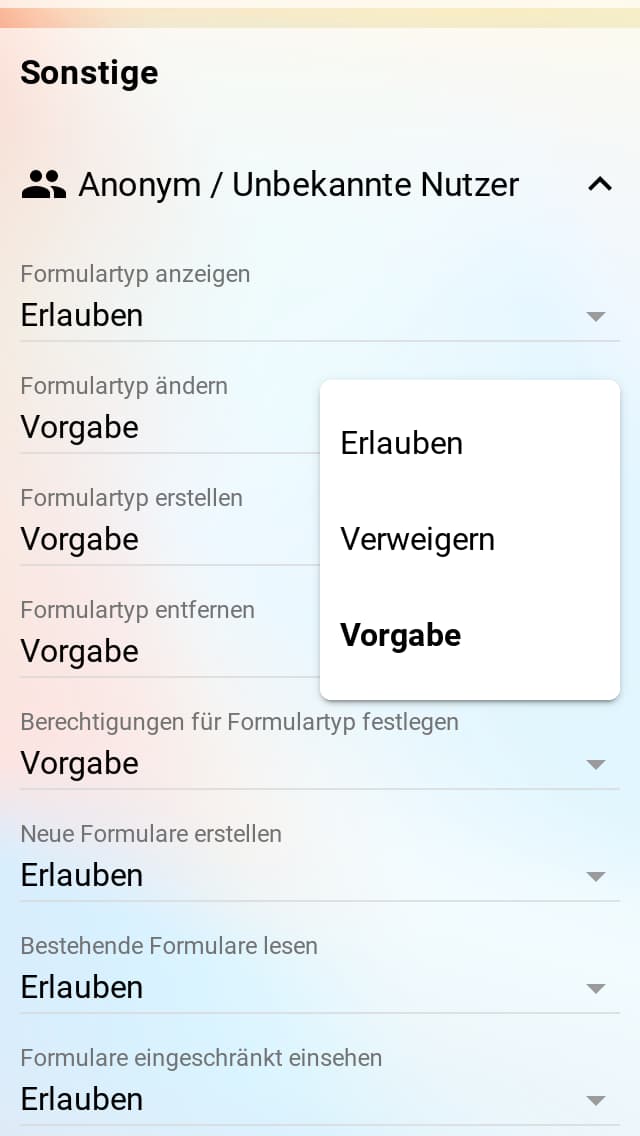
Created forms are by definition accessible to everyone who knows your App address. However, if you want to restrict them fully or partially and, for instance, only allow logged-in users access to their own data, then a wide range of access scenarios can be implemented through detailed settings. In addition to defining users, user groups can also be defined and authorised in bulk. Individual completed forms can also be secured separately.
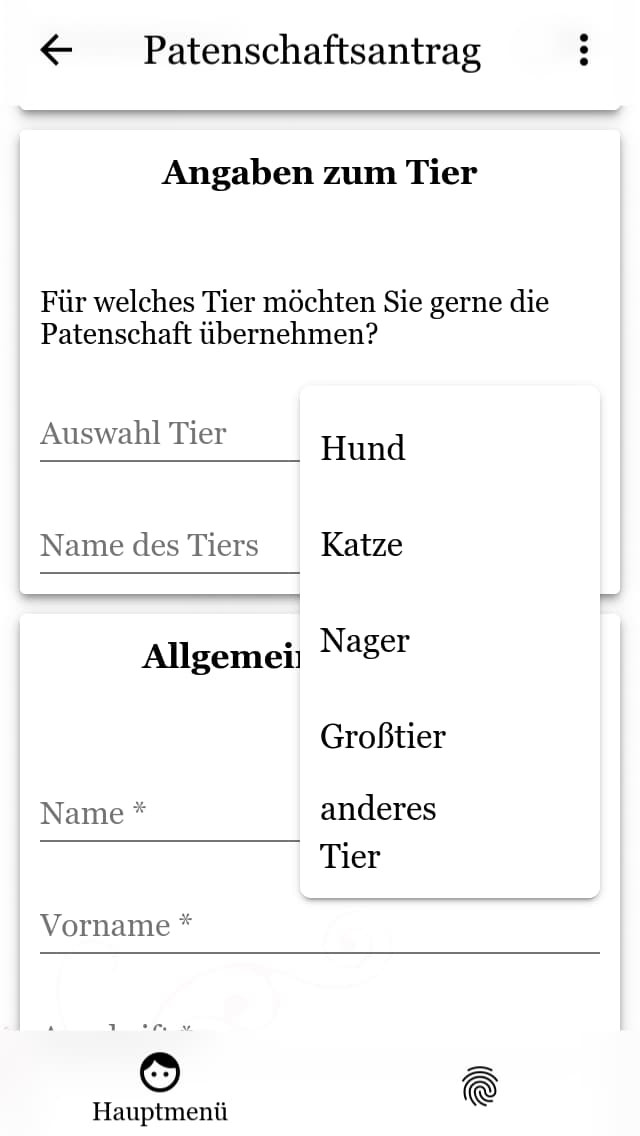
Fill in or change your designed forms with ease
Users can enter data based on the form types you've created via input masks. The feature tries to simplify entries to directly avoid potential barriers as much as possible. The stored data and forms then remain available to users even after creation, depending on the defined permissions, and can be modified afterwards. For easy data exchange, printing and PDF export are also possible directly from the App. Completed forms can also be easily shared and forwarded to support planned workflows.
Let yourself or other users be notified of changes via push or email
Enable a first automation of workflows by being informed automatically about newly created form entries or changes. To do this you can optionally designate recipients when designing your forms, who will then receive information. This extends across the defined users or user groups and reaches back to the form's creator in the form of two-way communication.
Export your data for other purposes if needed
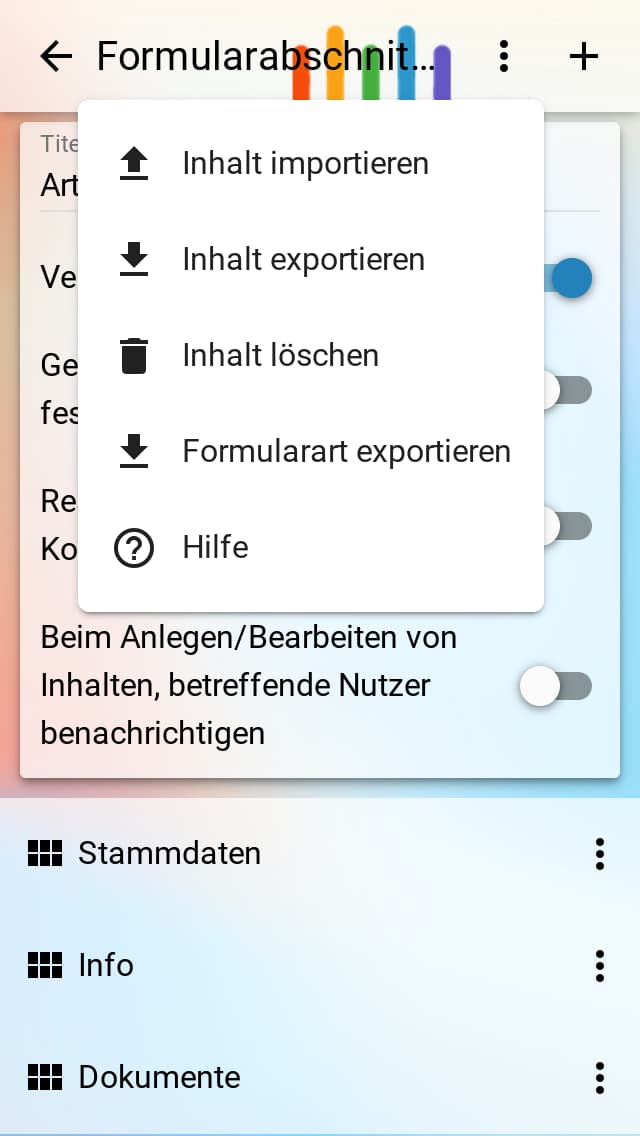
In principle, all captured data is always stored in your integrated cloud-based database. Should the need ever arise in your workflows to download data from the system and process it elsewhere, you have easy options to export this data. The same also applies to reading in and importing data.
Reuse or exchange created forms as you wish
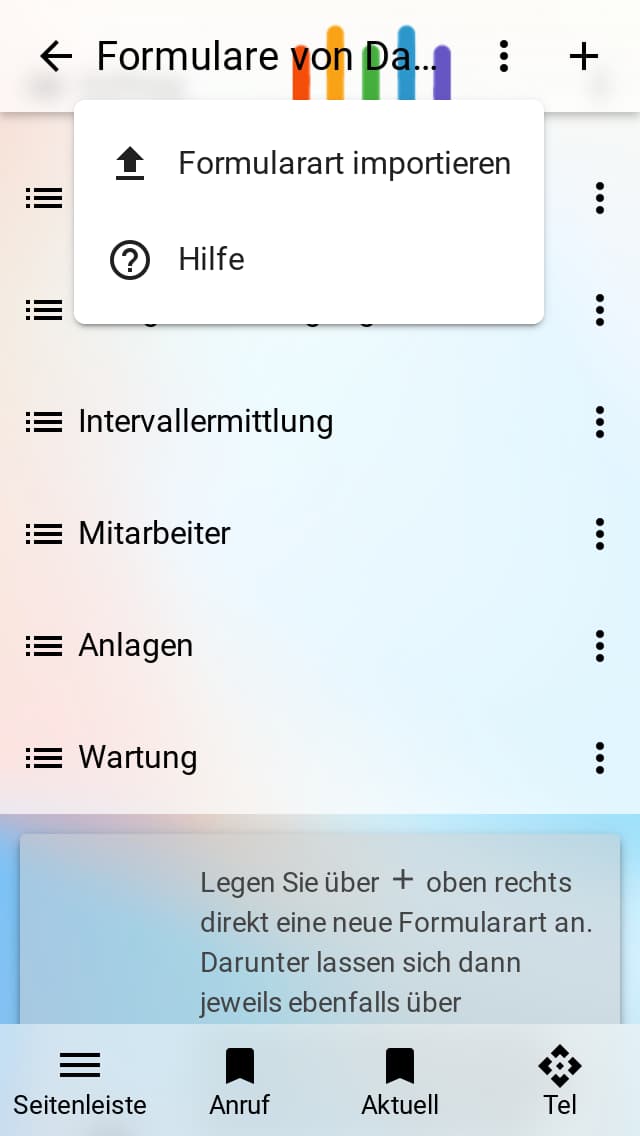
Creating forms usually takes some time depending on complexity. The easier it is, therefore, to save this spent time in the future by simply reusing forms. This way, for example, form types can be transferred and reused within an App or even across Apps. This also allows multiple versions of the same form. We are already working on a kind of marketplace where users can retrieve forms for different purposes and optionally exchange them.
This is how to activate the potential of DigitalNow
for your digital presence too
At least a new Premium package is required. Among the various building blocks, a menu item can be added to your App under the title "Digital Data Capture". From there you can design your forms and start data capture by your users or staff. Try it out and feel free to send us your feedback.