























Update article
PushPlus – Now with email too!
Push notifications are a great tool for app operators. They provide the most direct way to reach customers’ everyday devices—their smartphones—without any interruption.
Thanks to the wide range of options available, this is now also possible on desktop PCs and Macs—regardless of whether your app is available in both app stores or not.
Nevertheless, this communication channel has its pitfalls, and depending on the frequency and content of the notifications, app users sometimes don’t activate it at all or deactivate it after a short time.
This is where email, a communication method with a much longer track record, comes into play. Email has significant additional advantages in its own right, as it is not always noticed immediately but is perceived more sustainably by recipients.
While the sheer volume of push notifications can make it hard to keep track of things and often leads to tapping the “Delete All” button, an email typically stays in inboxes longer. It can be set to follow up or simply forwarded.
The list of advantages—and disadvantages—could go on and on.
Why push notifications via email are so important after all!
From now on, simply offer your users a choice of at least two communication channels, between which they can conveniently switch.
For example, as a modern progressive web app on iOS, this has the advantage that modern push technology isn’t yet available there, so your users there can still receive your messages pushed to their smartphones via the email channel. Receiving push notifications means that an email app with an associated inbox is usually installed, and this app actually displays relevant emails as push notifications on the screen.
This way, you get the best of both worlds—push and email—perfectly combined, as long as you, of course, distribute content that your app users consider valuable.
How do my users enable this?
There are two ways to do this. Most often, your app will actively highlight this option and encourage your users to enable it.
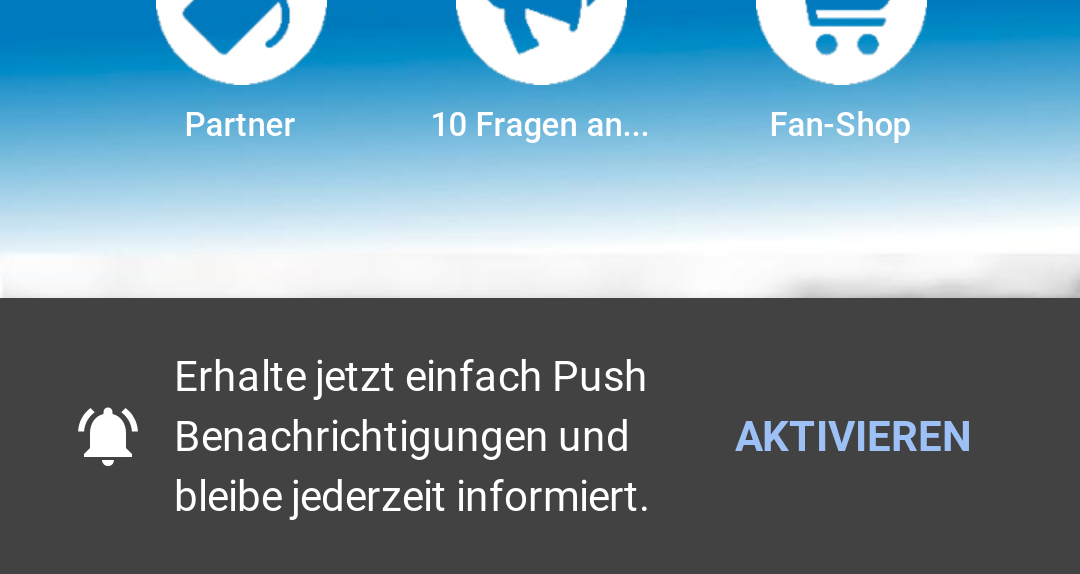
Method No. 1 – The active prompt at the bottom of the app.
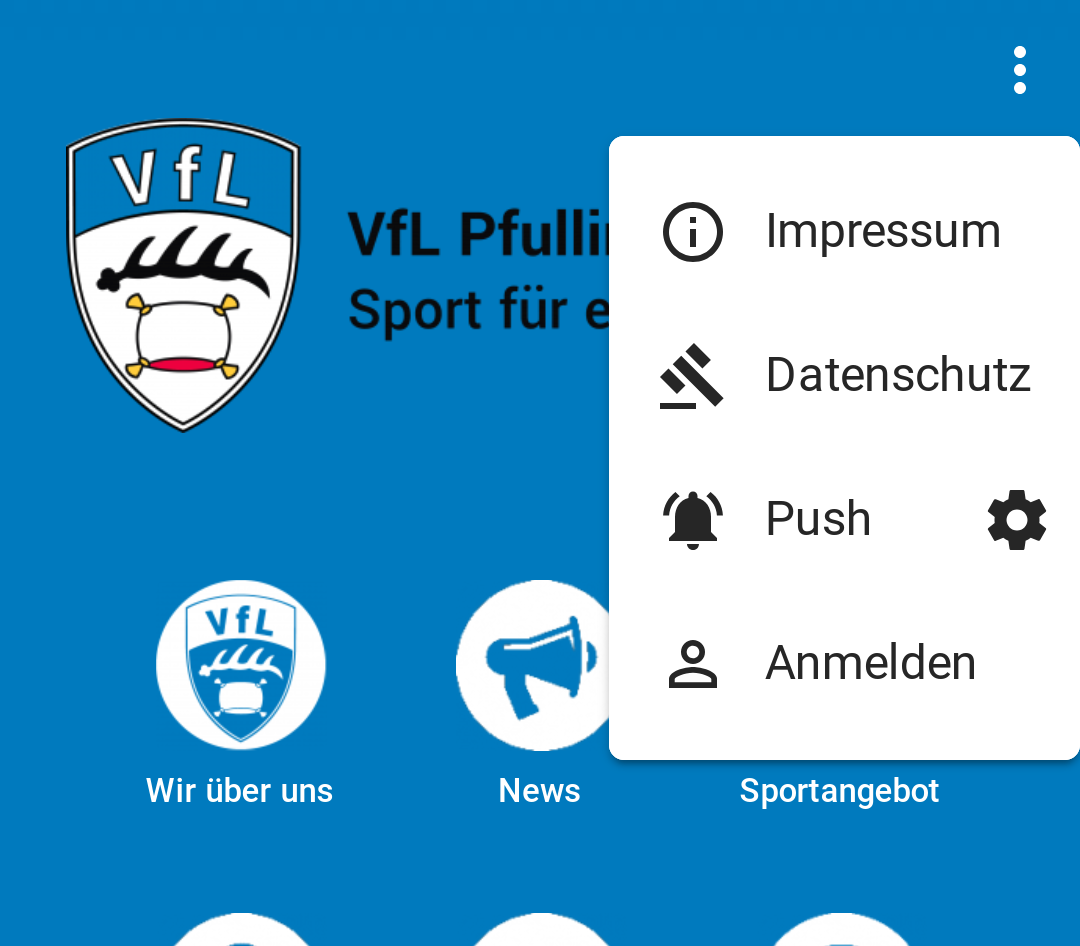
Method No. 2 – By clicking the menu in the top right corner, then the gear icon, and selecting “Sign Up,” or by tapping the toggle switch.
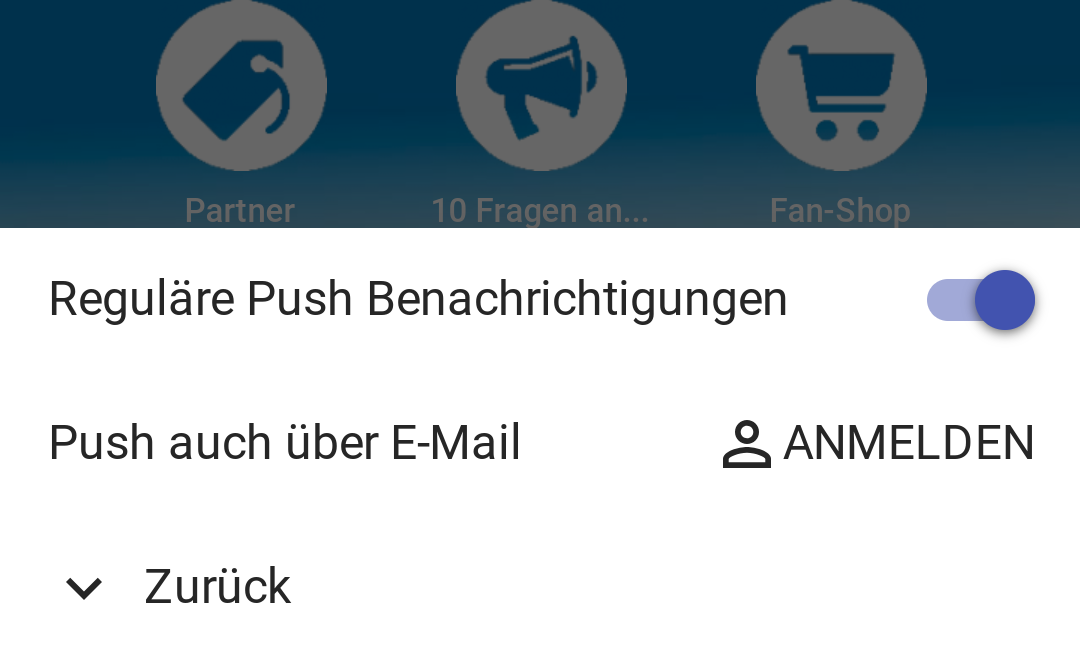
Receiving emails requires confirmation, the so-called double opt-in process, which is completed in one step at the time of initial registration.
After the user signs up and confirms via a simple click in the email, email notifications for push notifications are activated. These can then also be conveniently turned on and off via the gear icon.
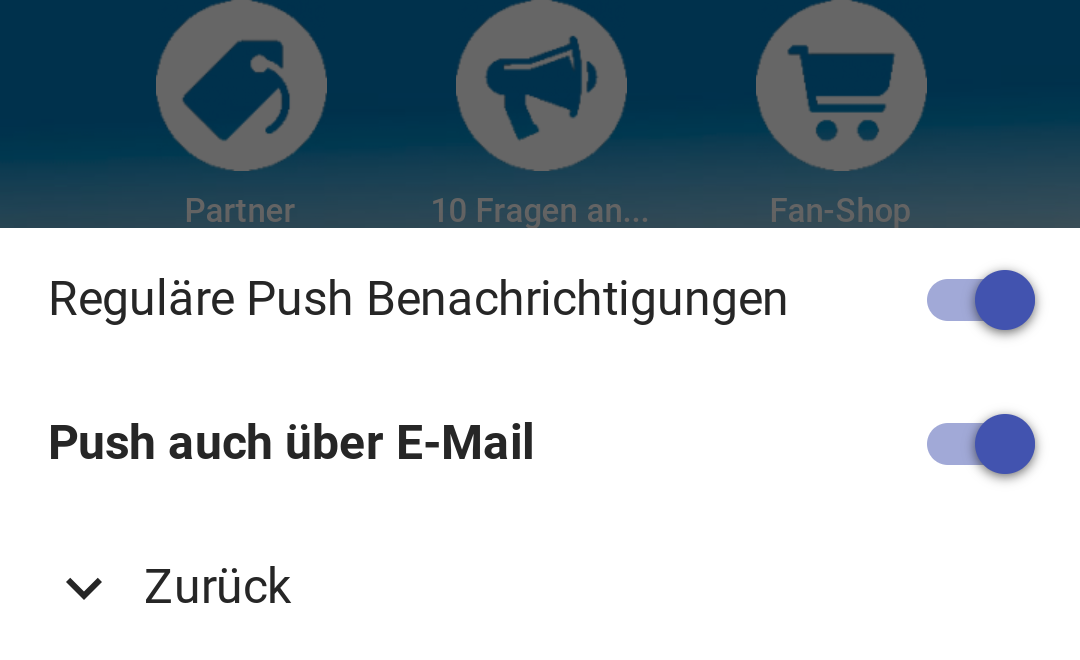
Now, whenever you publish articles or other push-relevant actions occur in the app, the system automatically sends native push notifications and corresponding emails to all registered users. It’s completely transparent, so you don’t have to worry about the details.
Just give it a try and let your users know about this new feature. It will only help expand your reach.
A quick note! This feature is currently enabled in all web app versions of your app—whether on Android, iOS, PC, or Mac. However, if you downloaded the app from one of the app stores, you won’t find this setting yet.
So take this opportunity to promote your modern web app through the many alternative and more widely used channels, and say goodbye to the complexity of the app stores.
Do you have any other ideas or suggestions? Well then, just let us know. Either directly below the article as a comment or via email.