






Blog Article
The new flat design for your app is here!
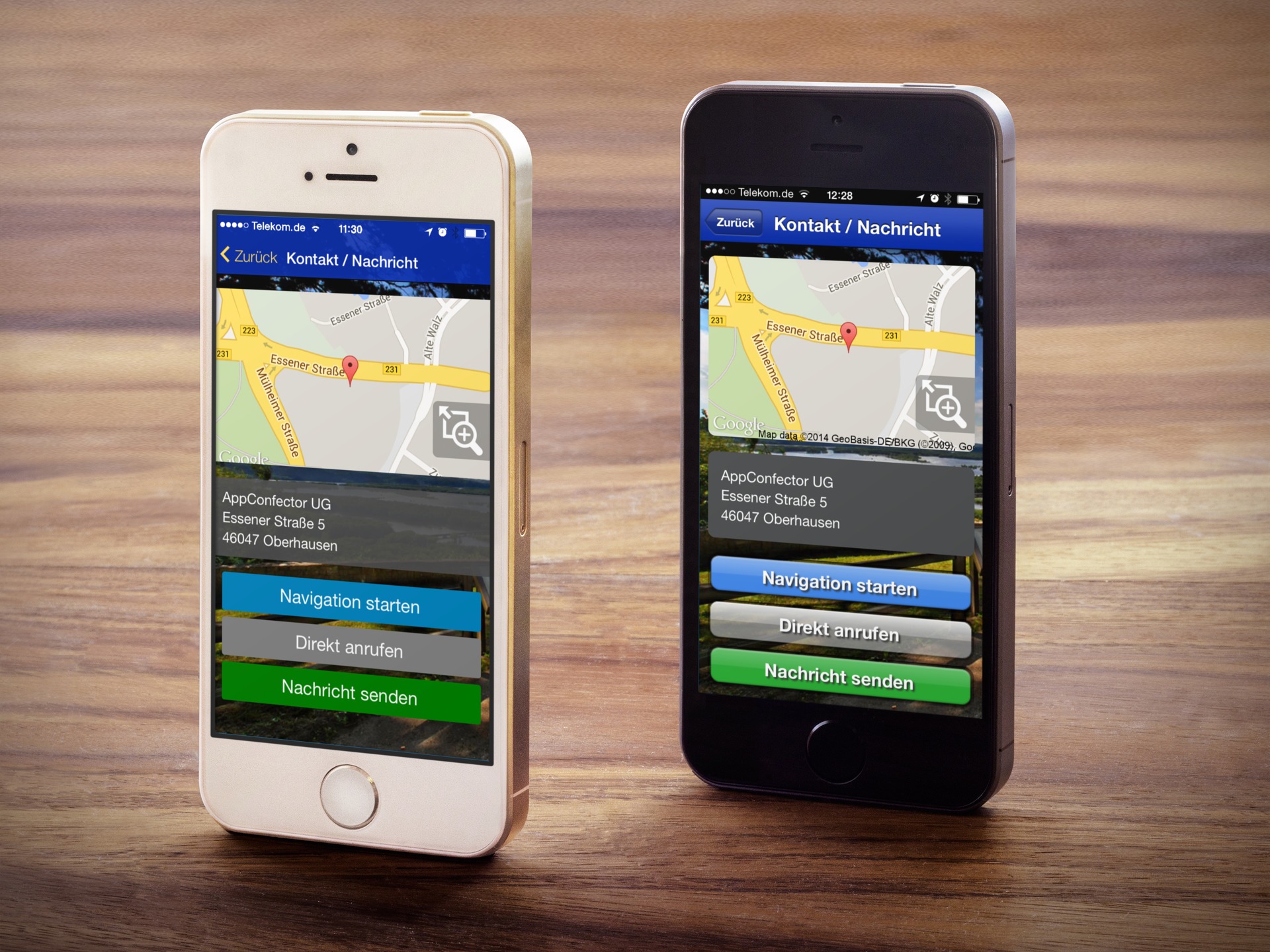
We came up with an idea and turned it into a little game!
- Just open one of our apps on your smartphone.
- Check out the design, then: Shake your phone! (But don’t drop it! 😉 )
- Now take another look at the design. Well? Do you notice anything? Exactly. Now the design is suddenly modern and“flat.”Are you blown away?! So are we! 🙂
Here, we shake, not stir. Today, let’s try something new:
By the way, if you shake it again, it’ll switch back to the old design.
By the way, this only works with an AppConfector app. If you don’t have one yet, you can download one from our homepage, for example. Free of charge, of course:Gallery of our entrepreneurs
The new flat design – the benefits are clear
And that goes double. The new flat design is totallyon trend. Leave shadows and three-dimensional shapes behind and switch to something elegant, fresh, and modern. Focus on more content, clear structures, and fewer distractions in your app, too.
Make a contemporary impression on your new and existing customers and app users.
With the new flat design, you’ll bring your mobile offering up to date—both in terms of design and technology.
As one of the first to do so, you’ll also be incorporating the two trendy effects—translucencyand thethree-dimensional parallax effect—into your mobile app on the web and in app stores. Depending on the supported smartphone andthe app package you choose, this will reinforce the positive first impression users have of your mobile offering.
How to permanently enable Flat Design
In the app’s admin area, go to “Design” and then “Menu Layout & Co.” to permanently enable the new, modern flat design.
Try experimenting with other color combinations to perhaps find an alternative color for the app design that’s perfectly tailored to your company.
Not sure? Let your users help decide!
Why not let your customers shake the app and then decide which design they prefer? For example, start a survey or share these instructions on your homepage or Facebook page!
Are you an app user and the design no longer changes?If the design no longer changes when you shake the device, the app has already been permanently updated to the new design by the respective company. In that case, simply select another app from the gallery.
What does App Grandpa think of the new design?
What do you think of the new design? We’d love to hear your comments and see your links!
Don’t have an app yet? Find out why an app is so important for entrepreneurshere.
Would you like to see an example of a business app? Take a lookhere,here,here, orhere!
Want to create your own app with a modern design for your business? Get started here:Create an App
Andhereyou’ll find helpful tips to get started.