























GlassKit 🪟
A modern glass design for your app — in one click
GlassKit gives your customer app a modern, premium glass look in seconds — with contemporary depth, soft shadows, and atmospheric backgrounds. Activated in one click and fully tuned to your brand.
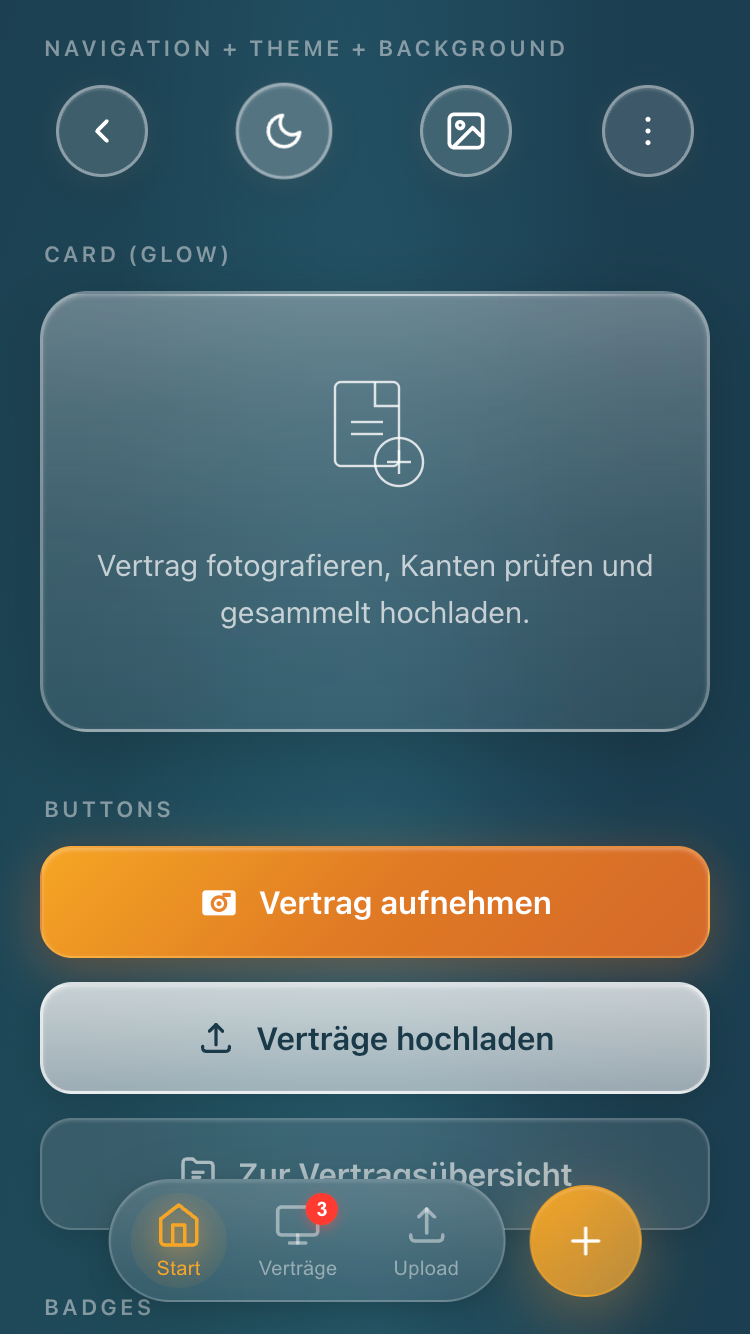
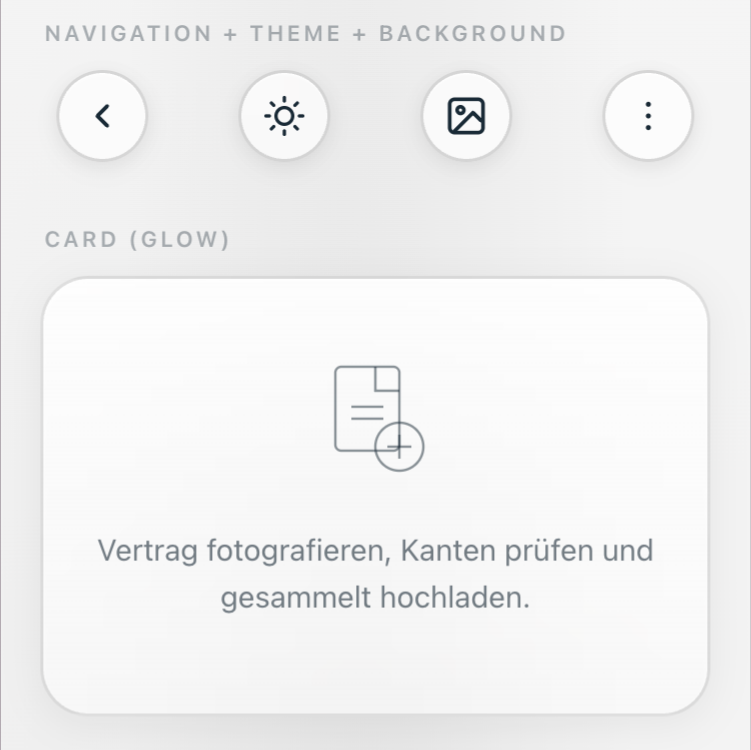
Glassmorphic design — modern, calm, premium
GlassKit relies on soft translucency, gentle depth layers, and clean typography. Content feels organized and high-quality without distracting — ideal for brands that want to present themselves professionally and contemporarily.
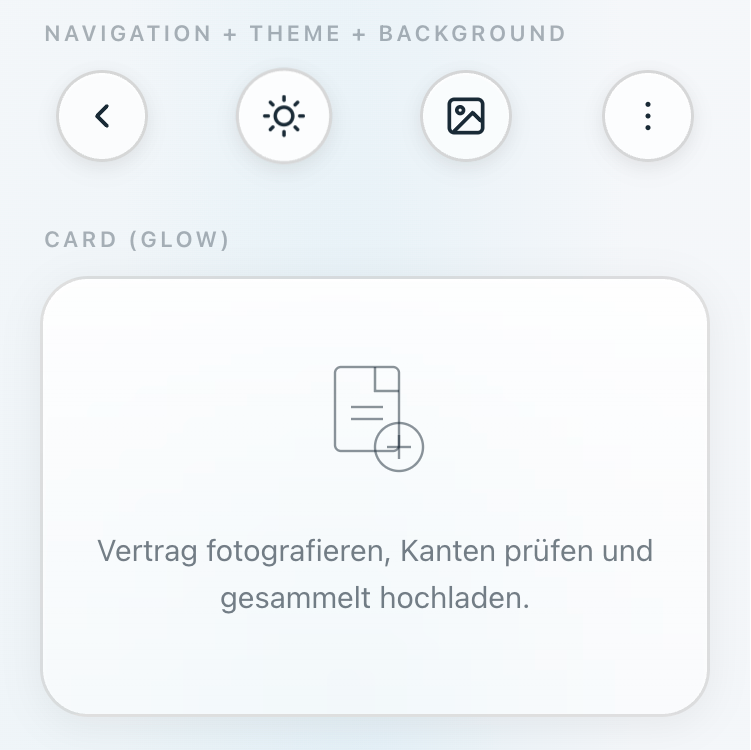
Light & Dark mode — switch live
Switch between a bright, friendly appearance and an elegant, focused dark mode. Both variants are carefully tuned for readability, contrast, and a consistent brand experience.
New Your accent color is automatically applied to all GlassKit components.
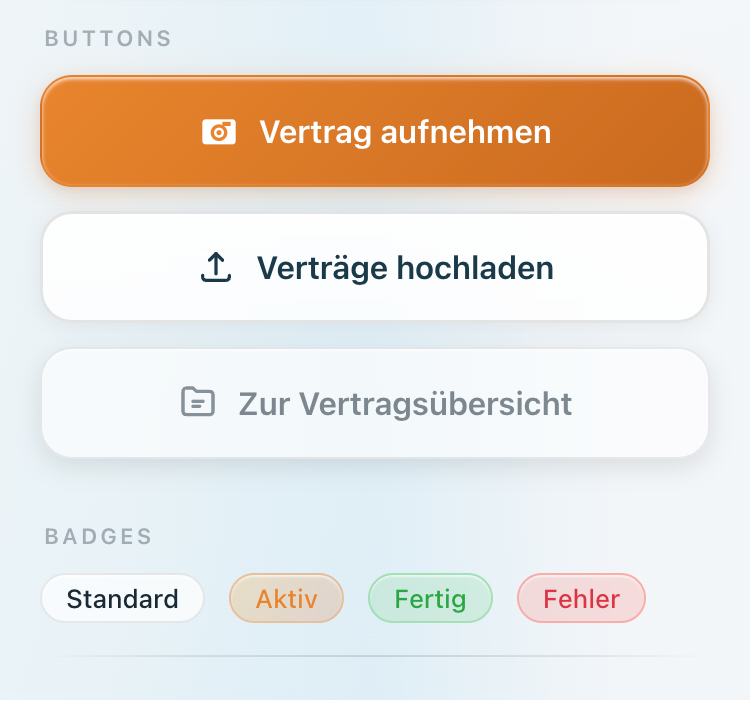
Six background moods for every brand
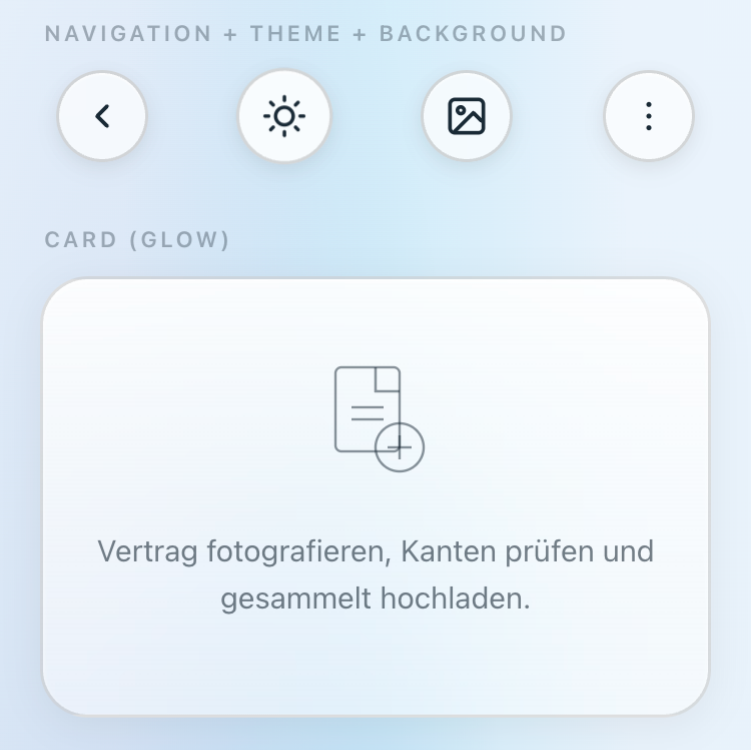
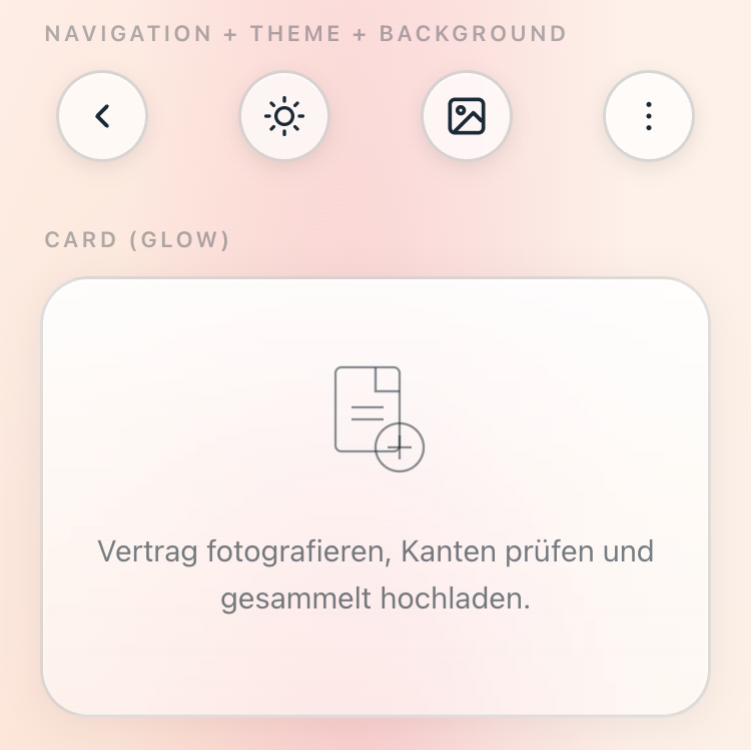
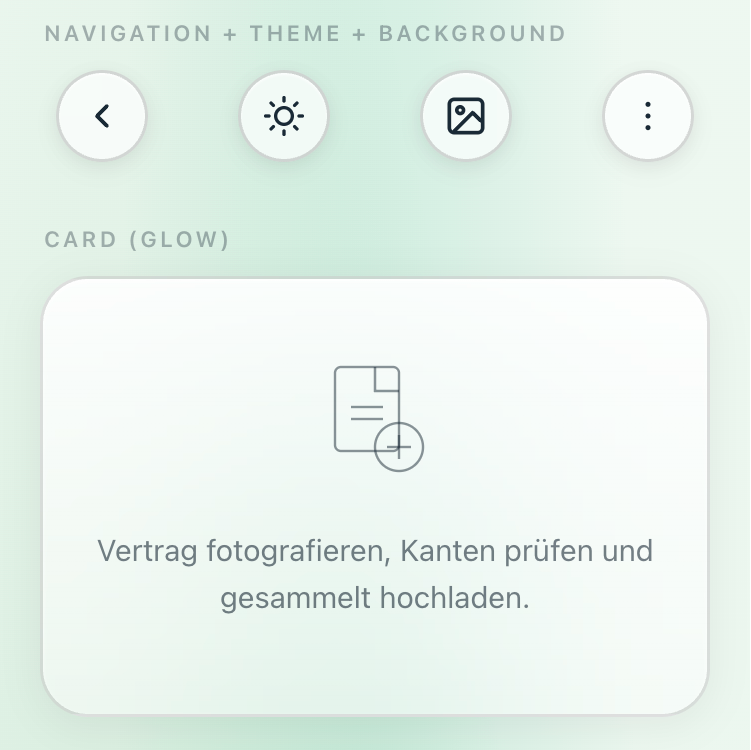
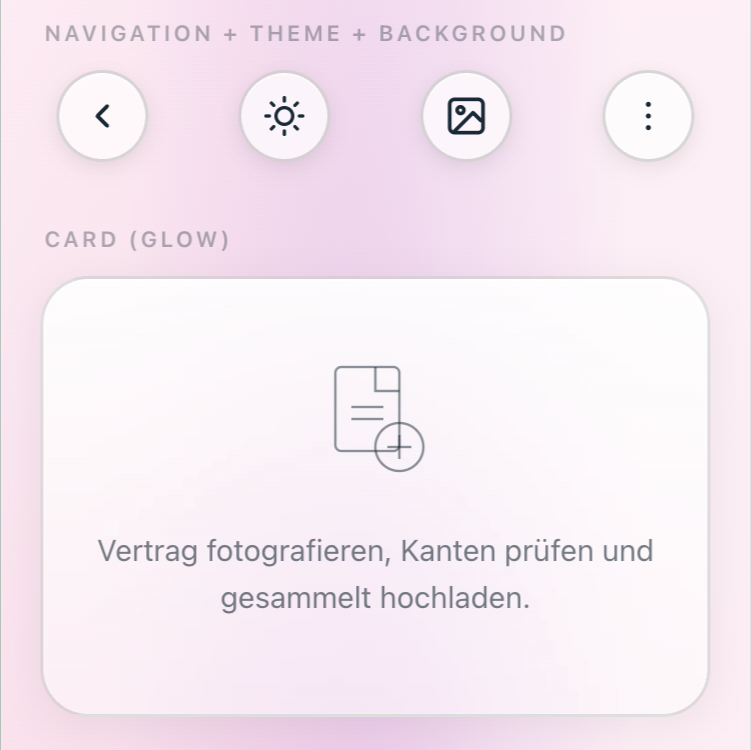
Choose from six carefully composed background presets — from delicate Aurora to calm Mono. Each preset brings its own atmosphere and adapts naturally to your accent color.
Tip: Toggle ☀ Light and ☾ Dark above — the previews adjust automatically.
Optimized for modern iPhones
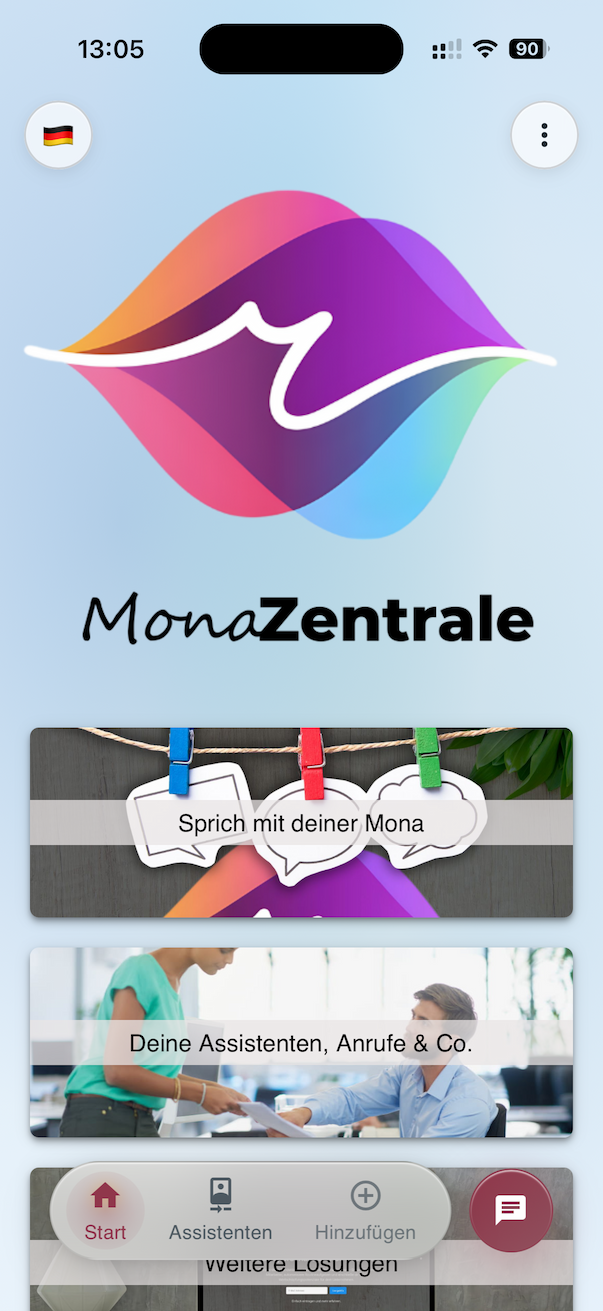
GlassKit responds intelligently to notch and Dynamic Island and uses the full screen area. Your app feels native and premium even on the latest devices.
Refined bottom bar — Standard, Floating, or Dock
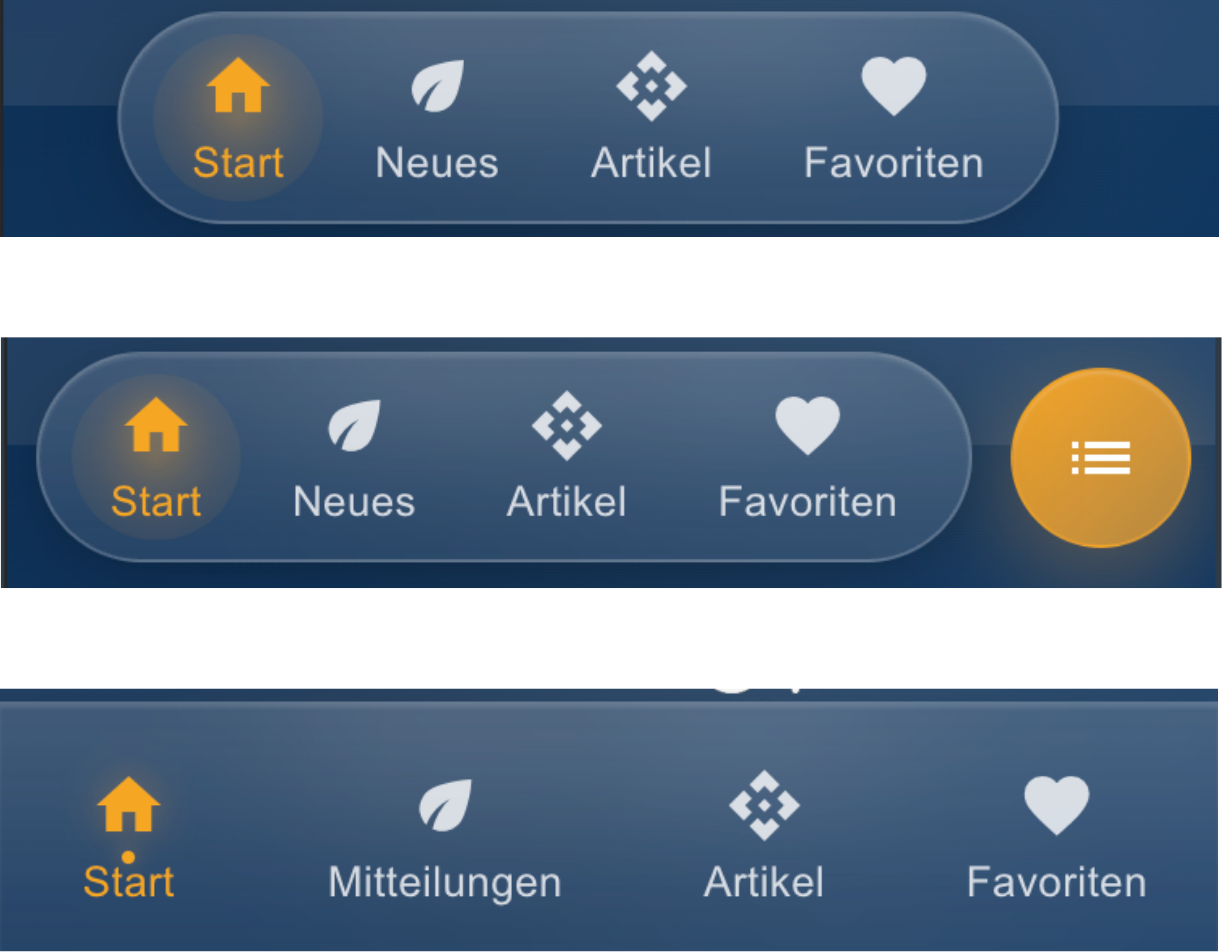
The bottom navigation can be displayed in three modern styles: classic continuous, elegant floating, or compact app dock. Each style is optimized for touch comfort and good readability.
GlassKit is an open-source project by Jungherz GmbH. The underlying CSS library is developed transparently and can be inspected and tried out on the project page.
Visit the open-source project page → · See all components in the showcase →
How to activate GlassKit
for your app
In the AppCenter under Design, simply select GlassKit Light or Dark as your theme. Then choose one of the six background moods — and your new appearance is live.
GlassKit is available from the Premium package onward.