























Blog Article
Smartwatches, silent updates, and other things
You either love them or hate them. That’s how you might describe smartphones if you don’t own one yet. In any case, fewer and fewer people in Germany and around the world are in that situation. This small but powerful device is spreading faster than the average business owner realizes. People who want to quickly Google something do so—well, you know—on their cell phones. It’s just a shame when they then come across service providers who aren’t at all prepared for this and quickly scare the searcher away—for example, through a misleading presentation.
And because that’s the case, we’re proud of you, dear users, that your companies are leading the way with good examples here and are engaging your existing and new customers in a more targeted way via mobile. So stay on top of things and don’t neglect your app. You’ll benefit from it all the more in the future.
About invisible updates and what else is happening.
With theNG project, we’ve shown you where we’re headed in the future. To ensure a system—and thus your app—is ready for the future, it undergoes constant modernization. In this process, much must happen behind the scenes before the first new features and visual changes become visible. As you read these lines, our product development team is investing a great deal of time in driving these necessary steps forward, so that we can deliver even greater value for your app—and thus for your users and customers—in the future.
We are therefore already rolling out small and larger changes under the hood to all apps in regular increments. This happens without any action required on your part and already allows your users, for example, to launch the app nearly three times faster, so they can access your products more quickly and launch your app more often. In addition, changes and new content are now transferred and displayed instantly without lengthy reload times, especially when data connections are poor. This and much more are already the first noticeable features of our ongoing project. So stay tuned to see what’s next.
Forget the back button. Swipe and Gone uh, Back.
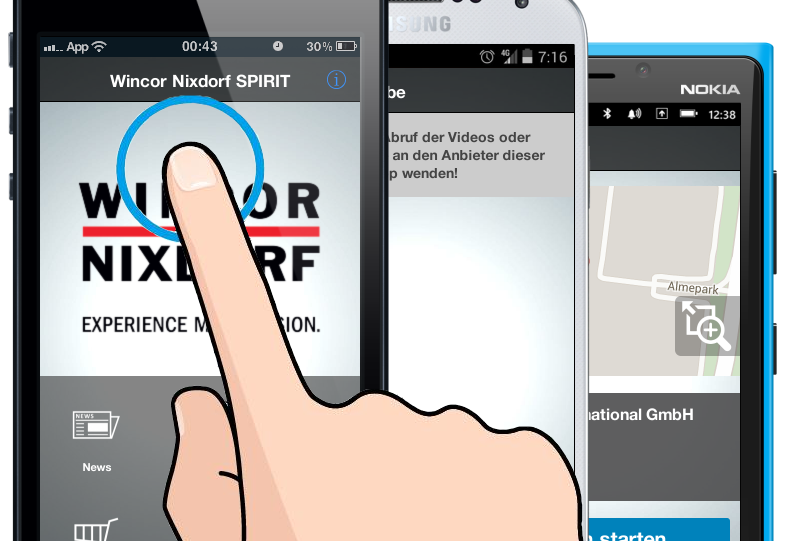
The screens of modern smartphones are getting bigger and bigger, but the thumb used to operate them stays the same size. What do you do when the back button in the top left keeps moving further away and navigating the app becomes a finger-stretching exercise? All iPhone and iPad users will have encountered this problem by now. Save yourself the trouble in the future, because with a simple swipe to the right, you can move from any area within the app to the one above it. This saves energy, reduces frustration, and makes using your apps easier. Give it a try.
Ready for Smart Push? PushPlus is now available on the watch.
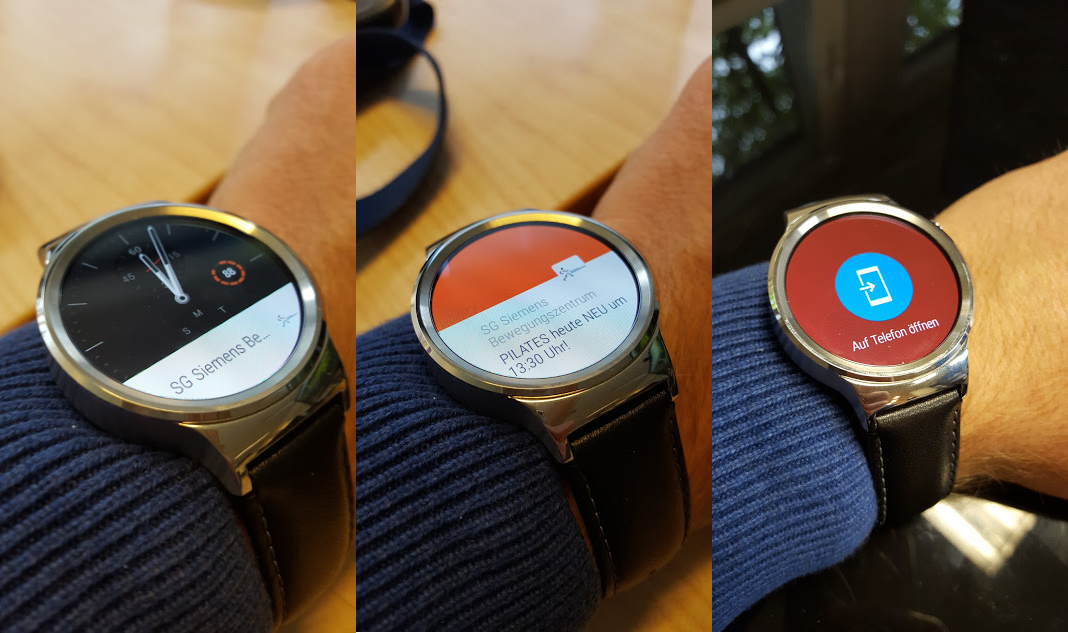
A modern smartphone alone is no longer enough to keep you happy. It’s joined by smart TVs, smart car radios, and so-called smartwatches. To help you position your business and your app effectively on these platforms as well, your PushPlus notifications are now displayed there in optimal form. This ensures a quick way for your users to access news, promotions, and other important messages right on their wrist. With an active Enterprise package and your published app, you can get started right away. Apple Watches and Android Wear watches are supported. No additional activation is required.
Now you can easily save your AppCenter as an app on your PC and Mac. It’s not just a tablet app—it’s always right at your fingertips.
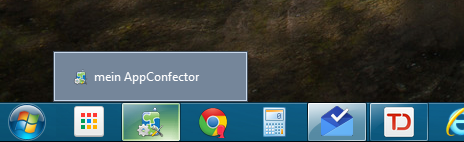
Do you always manage your app on a current version of Chrome? Then shorten the path to it and simply save your access to the app as an app. It’s that easy: Open App Management in your browser, then click the menu on the right with three lines—the hamburger menu—and select “Add to Taskbar” under “More Tools.” Then simply confirm the dialog box. From now on, you’ll find an icon for the app right on your taskbar. This allows the app to run as a standalone app—not just on modern tablets.