























Blog Article
Why a mobile store is so important for business owners!
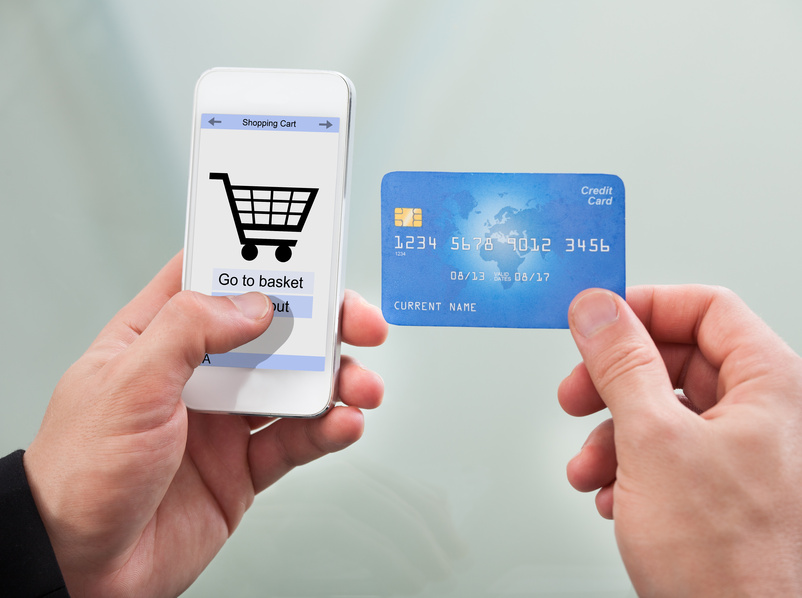
The Mobile Store – The online store that does more!
Two-thirds of Germans enjoy shopping online. The reasons are obvious: It’s convenient and fast, makes it easier to compare products, and there are no opening hours.
Don’t lose customers – Become a multichannel retailer and sell on mobile too!
Online and offline purchases are becoming increasingly interconnected. The younger the potential buyer, the more channels they use and the more frequently they shop online. Today’s customer is a so-called multichannel buyer. A multichannel buyer reacts, for example, in the following way:
A product or service is seen in the daily newspaper or on TV, and the buyer searches for more information online via smartphone or PC. There, the buyer also finds the websites and apps of local stores. Multichannel shoppers prefer to seek further advice in-store, and purchases are still primarily made locally or in-store; however, an ever-growing proportion of them complete the purchase online. To avoid losing customers in this scenario, it is essential for a business to offer its products or services in a way that is accessible online and via mobile devices. If the customer then opts for delivery, the delivery status is tracked via smartphone; this is where the app’s PushPlus notifications come into play, automatically sending information about shipped goods. If the customer is in a hurry, they often order online and pick it up in person at the local store.
How to attract new customers with a mobile store
Prospective buyers search the internet for local stores that appear reliable, knowledgeable, and professional. Of course, the price-to-performance ratio plays just as big a role online as it does in brick-and-mortar stores. The multichannel shopper also wants comprehensive information on offers and prices—and preferably lower prices than in the physical store. Keep this in mind and present yourself effectively online to attract new customers to your business. Therefore, maintain your mobile shop well and promote it across all available channels. A customer who visits your store in person or online will also purchase other products that appeal to them. Give potential customers the ability to check the availability of in-store merchandise via your app, and offer, for example, in-store exchanges for items purchased via mobile.
The mobile shop – versatile and adaptable:
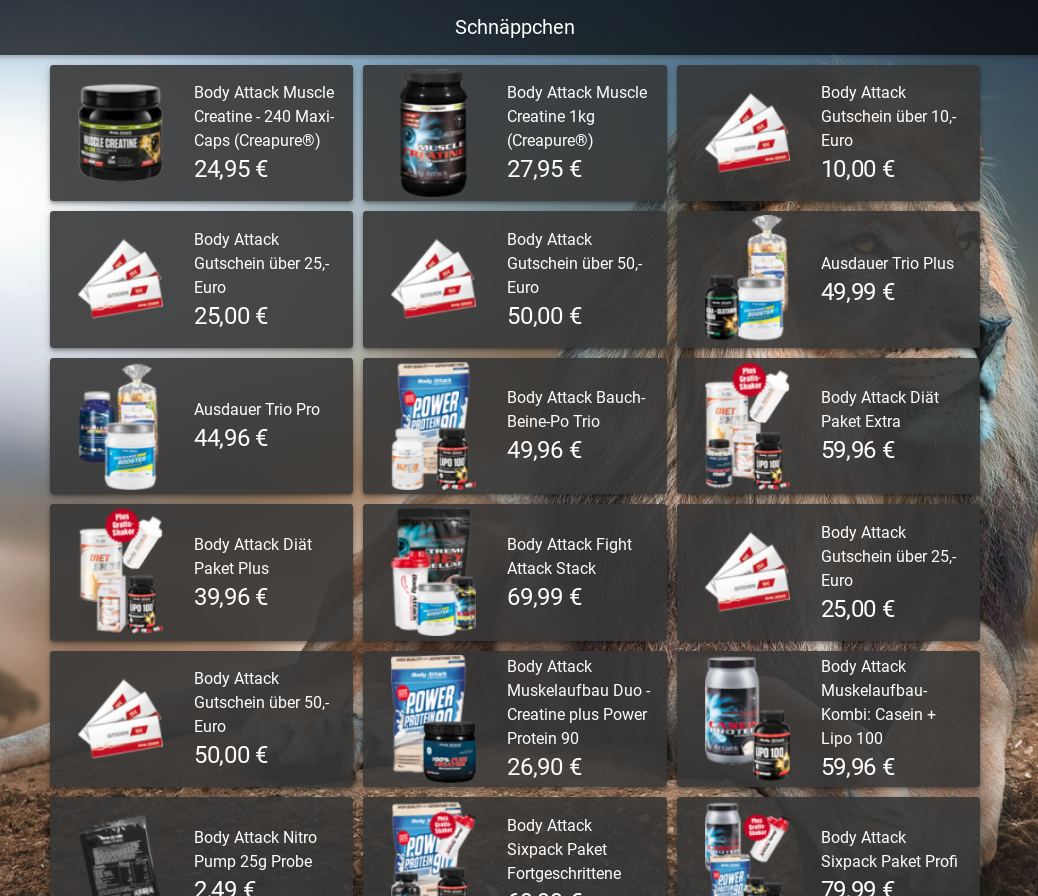
Have you alreadyset up a mobile shopin your app? A mobile shop is an asset and a necessity for every brick-and-mortar store and service provider. We’ve recognized this and therefore offer our business owners a mobile shop as a module. The shop can do more than “just” offer goods like clothing and household products. For example, the shop can also be used as a menu with an ordering function, allowing your customers to order food directly for pickup or delivery. One example is thePizzeria Davidapp, which includes several mobile shops for its various locations.
Do you own a flower shop? Give your customers the option to buy bouquets via the app. Or why not consider a flower delivery service?
Do you run a nonprofit or offer services? Why not launch an app campaign and simply list donations or services as items in the shop? With our mobile shop, anything is possible—and without any extra fees on sales. Plus, like allAppConfector modules, it’s quick and easy to set up.
Set up your shop—in just a few minutes:
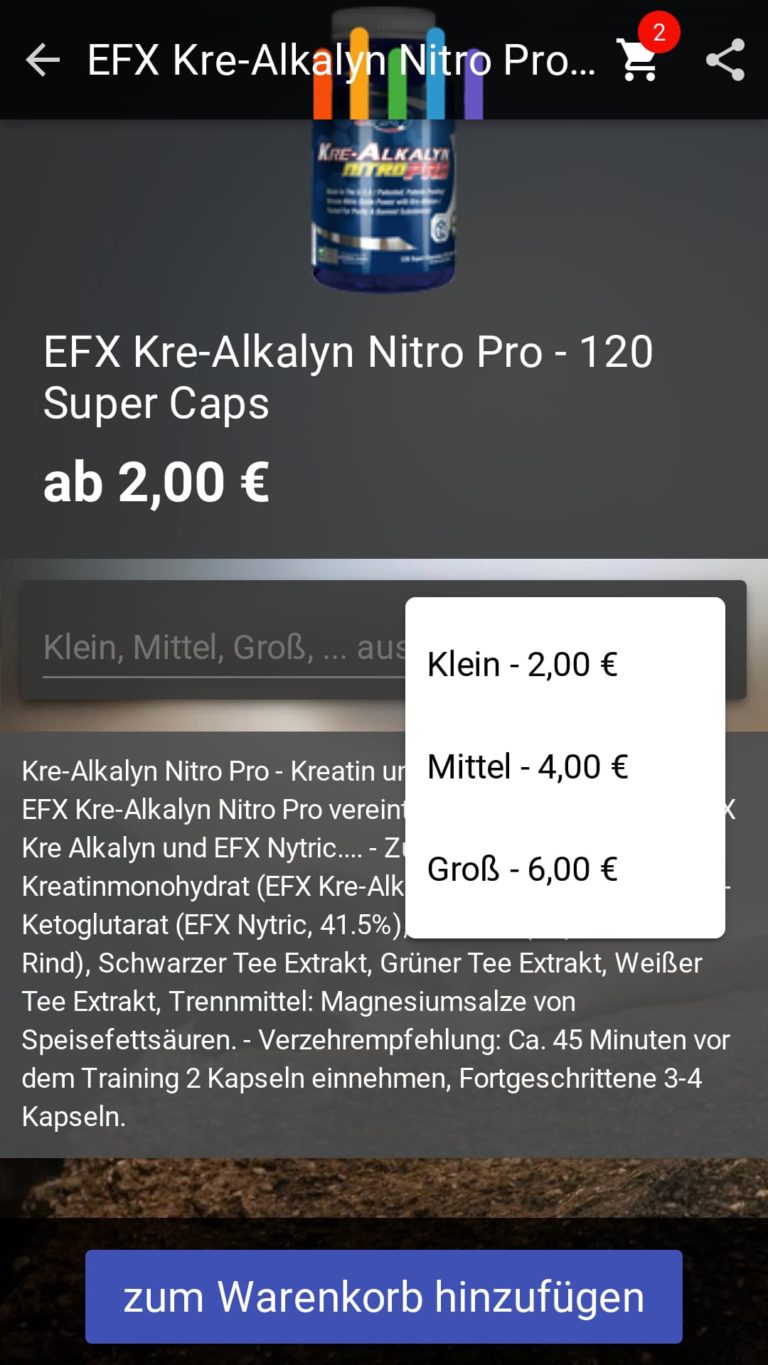
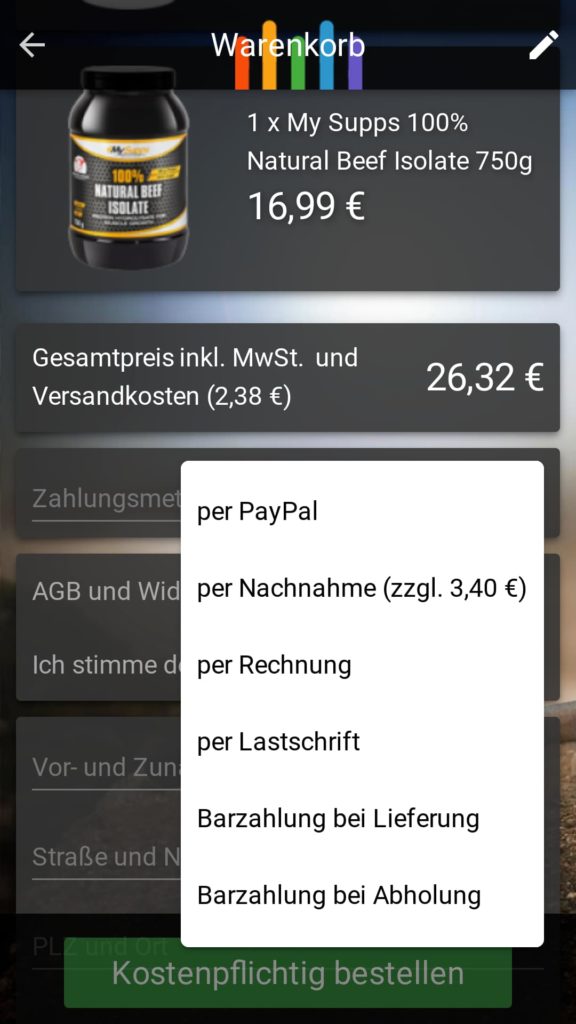
Setting up the mobile shop takes just a few clicks. It’s available starting with the Starter App and can be upgraded to a Premium or Enterprise shop depending on your business’s specific needs. In theApp Managementsection, you’ll find the mobile shop under “More Modules.” Just click and get started. You can organize your items into categories and, depending on the package, add product images and detailed descriptions. Various payment options are available for your customers: PayPal, purchase on account, cash on delivery, and payment upon pickup. Direct payment via PayPal is currently offered exclusively by AppConfector. This gives you an additional advantage, as the most popular payment method among online customers is purchase on account, followed by PayPal and direct debit. You can also customize the currency and shipping costs, among other settings. Starting with theEnterprise package,PushPlusfor apps in the Play Store and App Store can be activated. This sends shipping confirmations for orders automatically directly to your customers’ devices.
The mobile shop in comparison
| Starter App | Premium App | Enterprise App | |
|---|---|---|---|
| Mobile Store | X (limited) | X | X (extended) |
| Number of items | Max. 10 items | approx. 1,000 items | approx. 1,000 items |
| Add items with a single click, with or without images | X | X | X |
| Smart search function | – | X | X |
| Central currency input | – | X | X |
| Inclusion of shipping costs per order | – | X | X |
| Calculation of the total amount in the shopping cart | – | X | X |
| Direct quantity specifications for larger orders | – | X | X |
| Terms and Conditions, Return Policy, and Privacy Policy can be added | – | X | X |
| Direct payment options such as PayPal, purchase on account, etc. | – | – | X |
| Selection options per item, e.g., red, XXL, etc. | – | – | X |
| Clear icon display | – | – | X |
| Automatic shipping confirmation of the order via PushPlus | – | – | X* |
What do you use the mobile shop for? Send us your creative ideas tokontakt@appconfector.deor comment on this article. We look forward to hearing from you!
Click here forapp management
You might also be interested in these articles:PushPlus,Gift Certificate