Your assistant is here


At the beginning of November we launched AppConfector GlassSpire, the new management area for your app. Now the second stage follows: an assistant that takes work off your hands and leaves the decision to you. It suggests and prepares. What goes into your app is still up to you.
When the video loads, YouTube (Google) receives data such as your IP address. More in the privacy policy.
One sentence is enough
“On Christmas Eve we are only open until twelve.” Write a sentence like this into the line at the top of your opening hours. The assistant does not simply enter anything: first you see a trial run with a comparison of before and after, day by day. It tells you what it notices, and if something is unclear, it asks. Your app changes only with “Apply”, and afterwards “Undo” is there as always.
For the whole app: the plan first
Some things affect many places, such as new opening days or a move. Then the assistant first shows you its plan: every component it would change, and what it costs. You deselect what should stay as it is. With “Start” it changes your app and sets a restore point beforehand. After that you decide with “Keep” or “Discard”. A news item it writes along the way stays a draft: nothing is sent without you.
Just ask
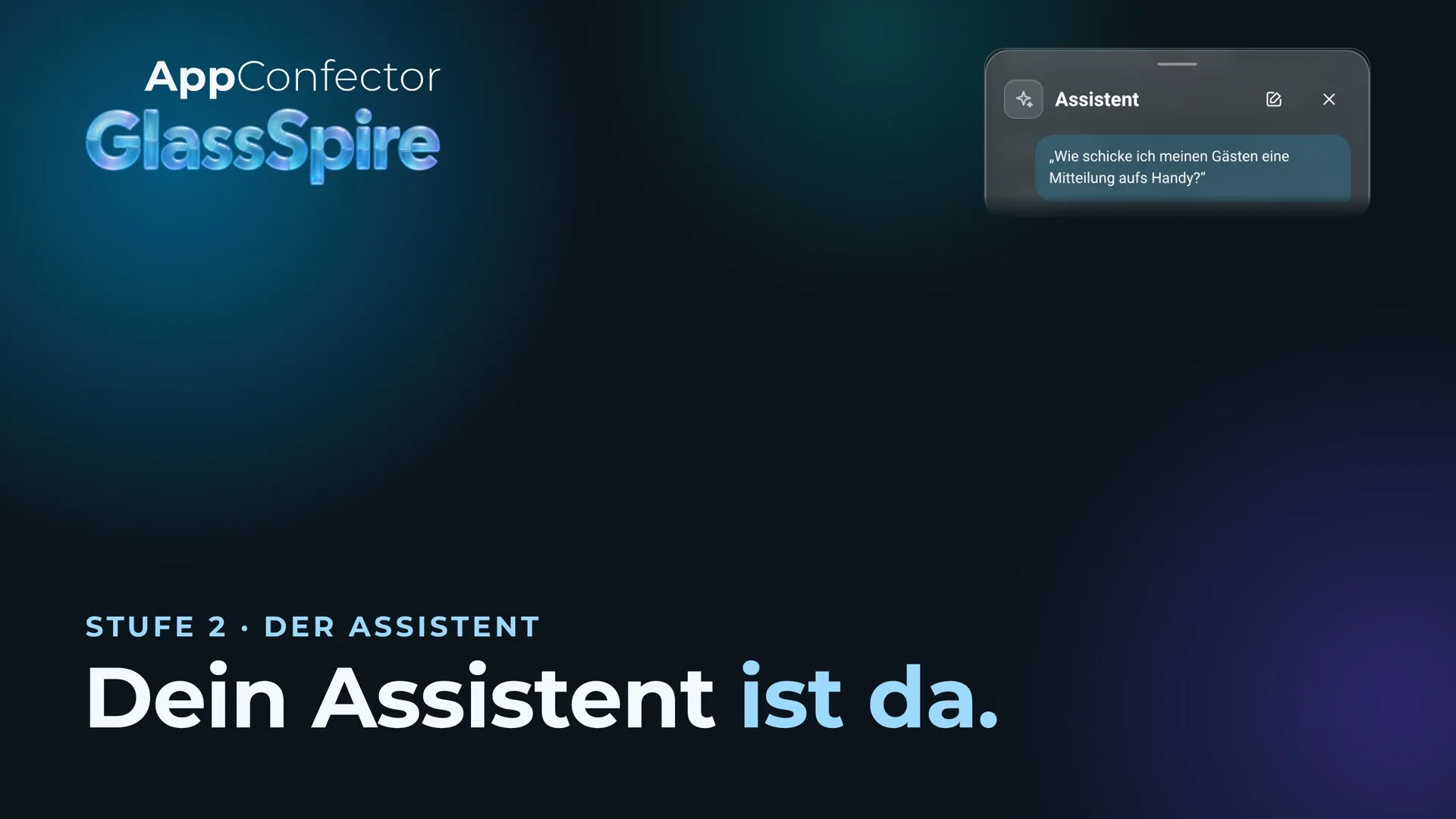
Ask the assistant how something works: “How do I send my guests a notification on their phone?” It answers with sources from the help and from your own app, and it also tells you when something is not possible. It changes nothing while doing so, and questions cost no AI units.
On the text
In the content editor, highlight a paragraph and say what you would like: “Turn it into a list” or “Make it shorter and warmer”. You get a suggestion, refine it if you like (“shorter”, “with prices”), and apply it if it fits.
Suggestions for your app
The dashboard and the report show you what does your app good: the coupon is used up, the last news item was a long time ago, a public holiday is missing from your opening hours. One click on “Do it with the assistant” puts the finished instruction in place. You send it yourself.
It also looks things up
If you name a website, the assistant reads it, and if you ask it to look something up, it searches the web: “Look up the public holidays for North Rhine-Westphalia and add them.” Below the comparison you see what it has read and searched for.
Good to know
The assistant is included in every package. Questions cost no AI units, and you see what a change costs before it starts. It never publishes or sends anything on its own, and every change can be undone. Details about your data are in the privacy policy.
How to start
Open the management area and click “Assistant”. Or open a component, such as your opening hours, and write into the line at the top what should change.
Your app in minutes. Give it a try.
20 days free, no credit card.