
Skip to content
Shop module

Your shop in the app.

Selling made easy, online and on site: your products and services with picture and price, to collect, for delivery or at the table.

  • Items with picture, price and choices
  • Payment in cash, by invoice or with PayPal
  • Every order by email and as a notification on your phone

What your shop can do

You keep everything in your management area, no experience needed.

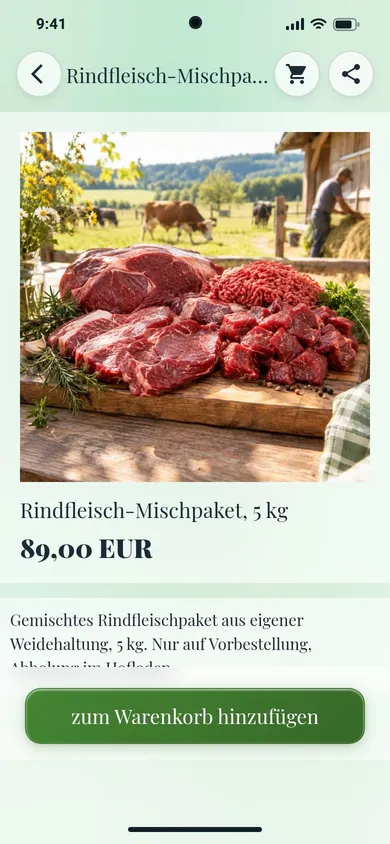
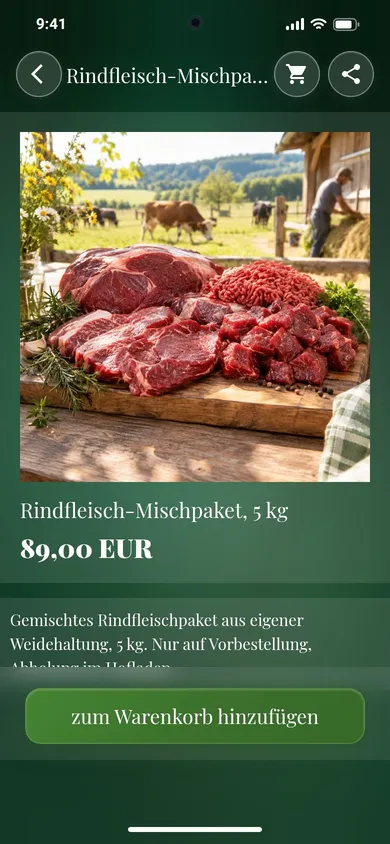
Mixed box of beef to pre-order Mixed box of beef to pre-order
Hofladen Sonnenhof An item with its price, into the basket

Items with picture, price and description

Show every product with its picture and price. You design the description with text, tables and more pictures, for ingredients or notes such as allergens.
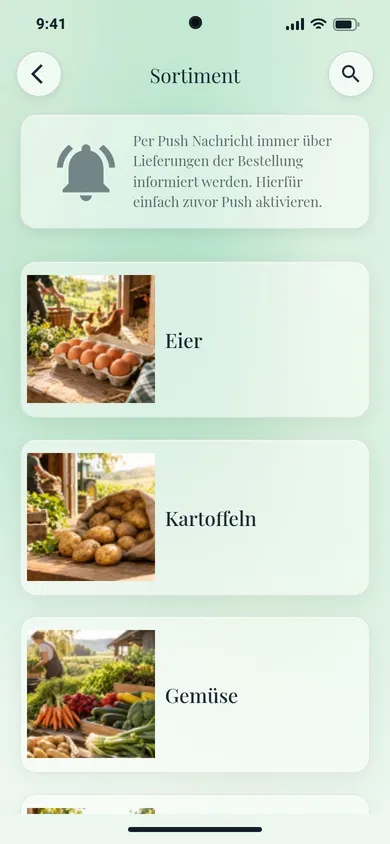
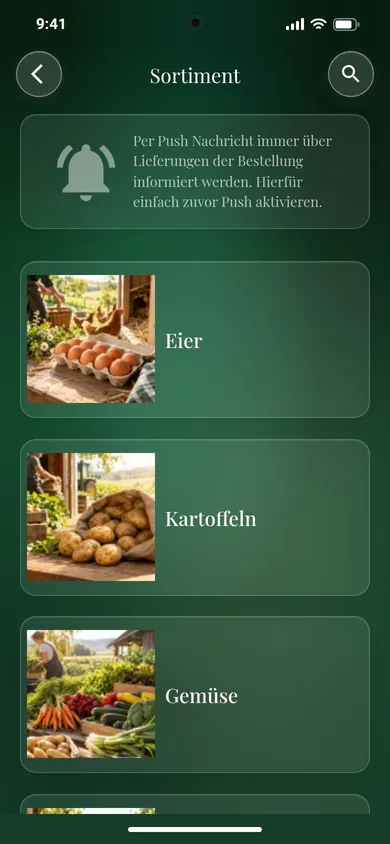
Range Range
Hofladen Sonnenhof Range with categories

Categories in your order

Sort your items into categories, each with its own picture. You set the order yourself and simply move items to their place.
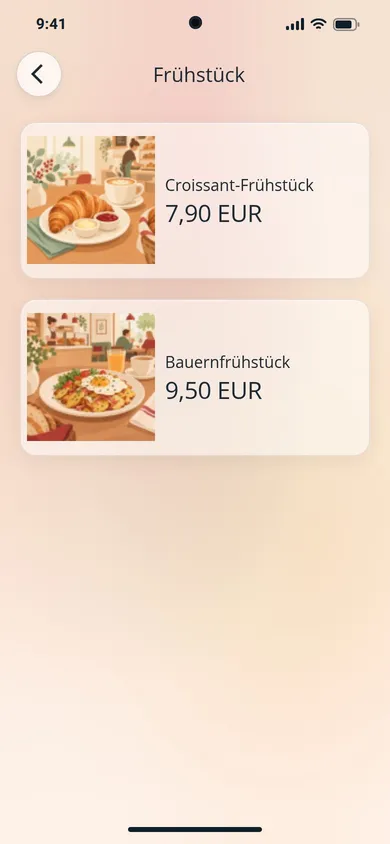
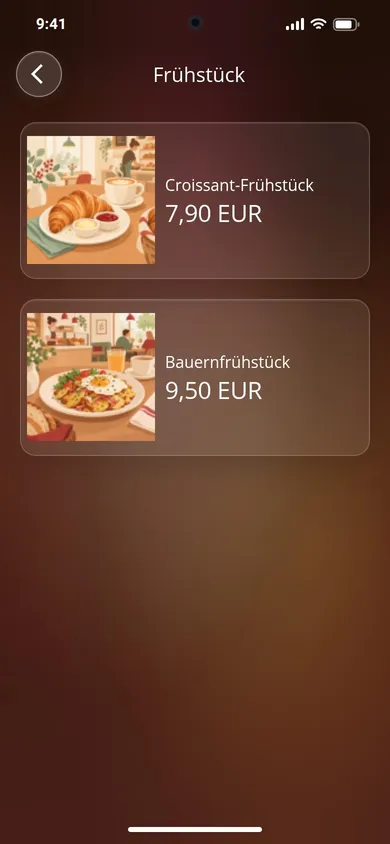
Menu: breakfast with prices, no basket Menu: breakfast with prices, no basket
Café am Markt Menu with prices
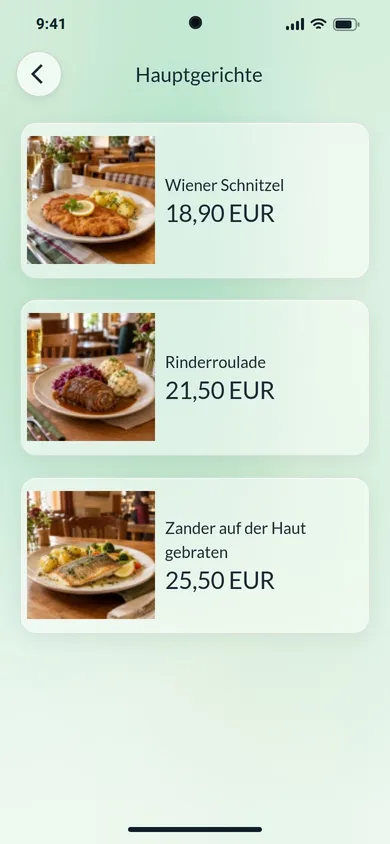
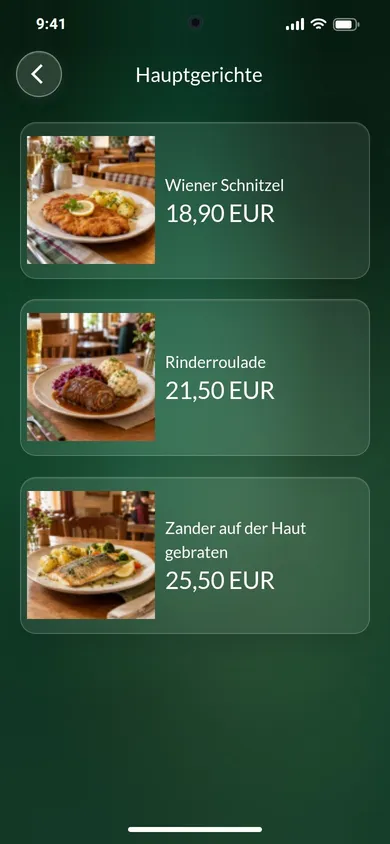
Menu: main courses with prices Menu: main courses with prices
Gasthaus Zur Linde Menu with prices

As a menu too

For cafés, bistros and restaurants: your dishes with picture and price. New prices are in the app at once, with no reprint.

Ordering and paying

You decide how people order and pay.

  • Payment your way In cash on pick-up or delivery, by invoice, in advance or cash on delivery with a surcharge. With your PayPal address customers pay straight at PayPal.
  • Choices per item Sizes such as small, medium and large, each with its own price.
  • Details when ordering Name, street and town, plus as many fields of your own as you need, for the table number for example.
  • Basket Quantities entered directly, the total and shipping costs at a glance, in your currency.
  • Unit price The price per kilo or litre, worked out from unit and amount.
  • Terms and cancellation Your terms, cancellation policy and privacy policy in the basket, with consent before ordering if you like.

How an order reaches you

  1. In the app Your customer puts items in the basket, enters their details and orders.
  2. By email You get the order with all its details, to several addresses if you like.
  3. On your phone Plus the notification “New order”, if you allow notifications in the management area.
Questions

Questions about the shop

By email to the address of your account or to addresses you choose. Plus the notification “New order” on your phone, if you allow notifications in the management area.
The way you offer it: in cash on pick-up or delivery, by invoice, in advance or cash on delivery. If you add your PayPal address, they go straight to PayPal after ordering.
Yes, from Premium: you upload your catalogue as a CSV file with up to 4,000 items, and the shop fetches the pictures from their links. Up to 1,000 items you keep right in the management area.

Your app in minutes. Give it a try.

20 days free, no credit card.

Build app