On security, invisible menu items, password protection and photos from your phone
Ho ho ho, dear reader,
It comes round every year, and yet it matters more than ever. The coming festive season brings us closer to our families and partners again and, at the same time, lets us look back on the business year.
What are your business plans for the new year? Where do you want to go? Tell us about it. Perhaps we can support you with new product features in the future!
Our resolution for the new year, at any rate, is to make sure you can get more out of your app. To that end we have set a few priorities that will give you and your business more possibilities on mobile. We are looking forward to it.
Here is what we have already been able to deliver in the past few weeks:
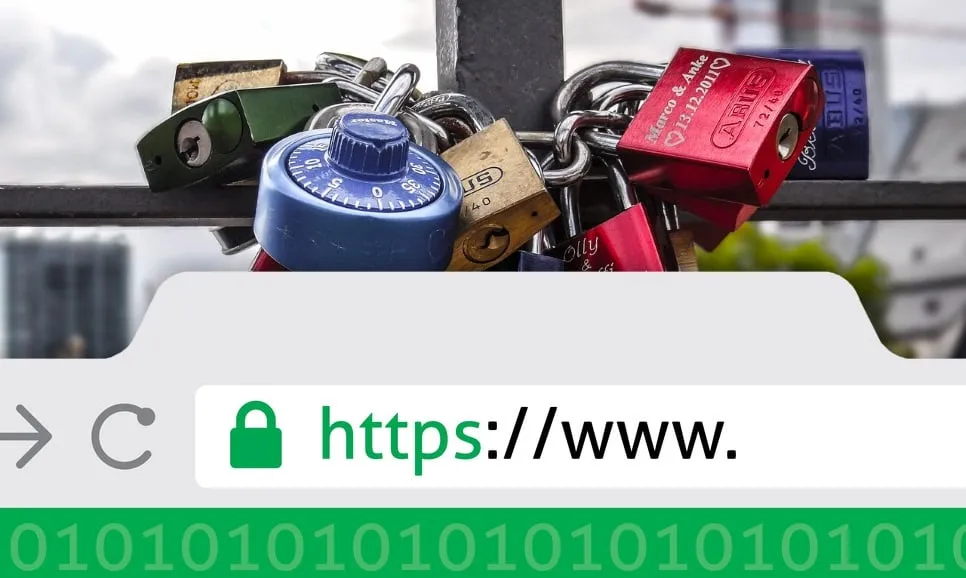
Forget about data security – your app now has it built in!
Besides the many opportunities it offers for doing business, the worldwide internet unfortunately also holds risks that can harm your own business.
Reason enough for us to do something about it and give you the means to bring a little more security to you, your business and your customers.
That’s why, for a few days now, we have been switching on full encryption based on SSL certificates for all the apps we provide.
You can read what this means for the trust in your app and its credibility in our blog article.
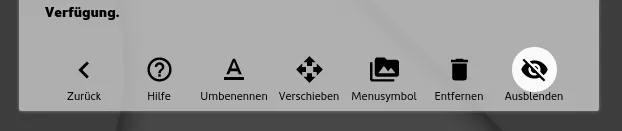
How to make menu items and submenus invisible
There is news for everyone who only runs voucher promotions from time to time or needs other menu items now and then, and so keeps creating and deleting them. Don’t delete them straight away – simply hide them, for as long as you like and as often as you like. In the settings of the modules you’ll find the option “Hide” at the bottom right. Happy hiding!
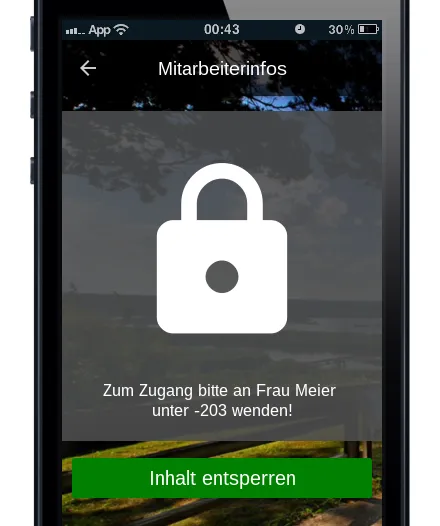
Would you like your business or club app to give staff and members, as well as customers and prospects, information and features that stay hidden from the general audience? So be it. Move all the menu items needed into a submenu and simply protect it with a password or a short PIN. There are many more ways to combine this. Try it out. But note: you need an Enterprise package for this.
Protected app areas for individual customers or staff? Yes, now you can
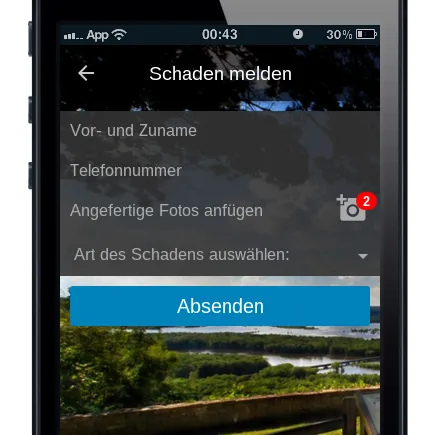
Your forms now take photos straight from the phone.
What good is an accident report form if you can’t simply take photos with your phone and send them from within the app? We thought so too and got straight to work. Among the types of form fields you can now also choose “Select / send pictures”, which lets people send one or more pictures from within the app. This also requires an Enterprise package.
Last but not least, a big thank you to you.
The whole AppConfector team would like to thank you once again, dear users, customers and fans, for the trust you have placed in us this year too and for all your feedback.
We wish you every success in your business and your mobile projects in the coming year. Stay healthy, stay enterprising – and stay with us.
Your app in minutes. Give it a try.
20 days free, no credit card.