PushPlus – now with email as well!
Push notifications really are a great thing for app owners. Without any interruption, they are the most direct route to the object your customers use every day: their smartphone.
Thanks to the many technical options, this now works on desktop PCs and Macs too, whether or not your app is listed in one of the two stores.
Still, this channel has its pitfalls: depending on how often notifications arrive and what they contain, some app users never switch them on at all, or switch them off again after a while.
This is where email, a far longer-established means of communication, steps into the breach. Email has clear advantages of its own: recipients may not always notice it straight away, but it stays with them for longer.
While people easily lose track of the many push notifications and are quick to tap “Clear all”, an email stays in the inbox for longer on average. It can be flagged for follow-up or simply forwarded.
The list of advantages, and disadvantages too, could go on and on.
Why push by email really matters!
From now on, you simply offer your users at least two channels of communication that they can easily choose between.
For a modern progressive web app on iOS, for example, this has the advantage that, although modern push technology is not yet available there, your users on iOS still get your messages pushed to their smartphone right now through the email channel. And they really do get them pushed: most people have an email app with their mailbox installed, and it conjures relevant emails onto the screen as push notifications.
So you get the best of both worlds, push and email, perfectly combined, as long as, of course, you share content that your app users find valuable.
So how do my users switch it on?
There are two ways. In most cases, your app will actively point out the option and encourage your users to switch it on.
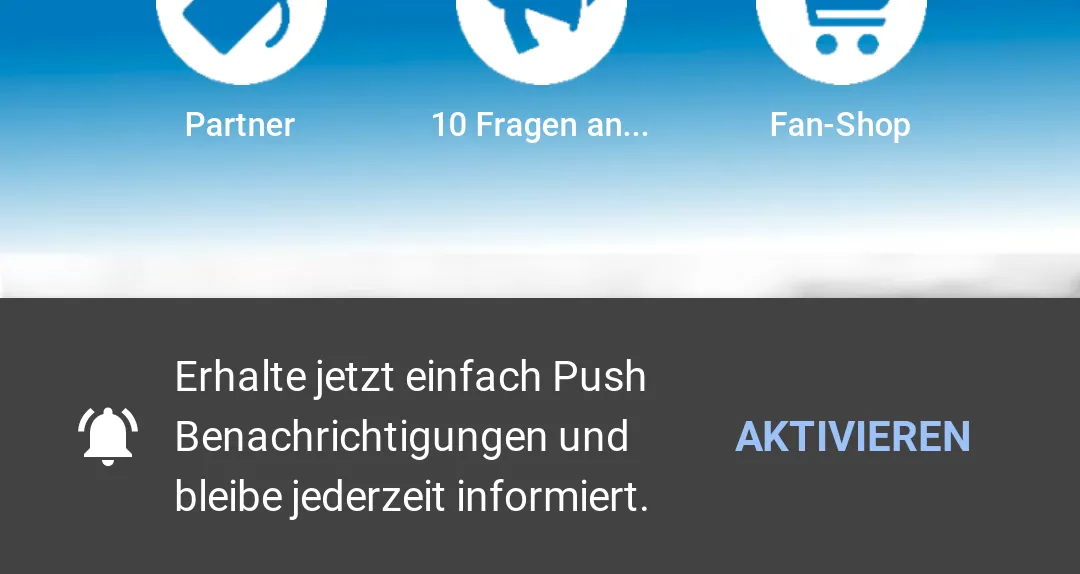
Way no. 1 – the prompt at the bottom of the app.
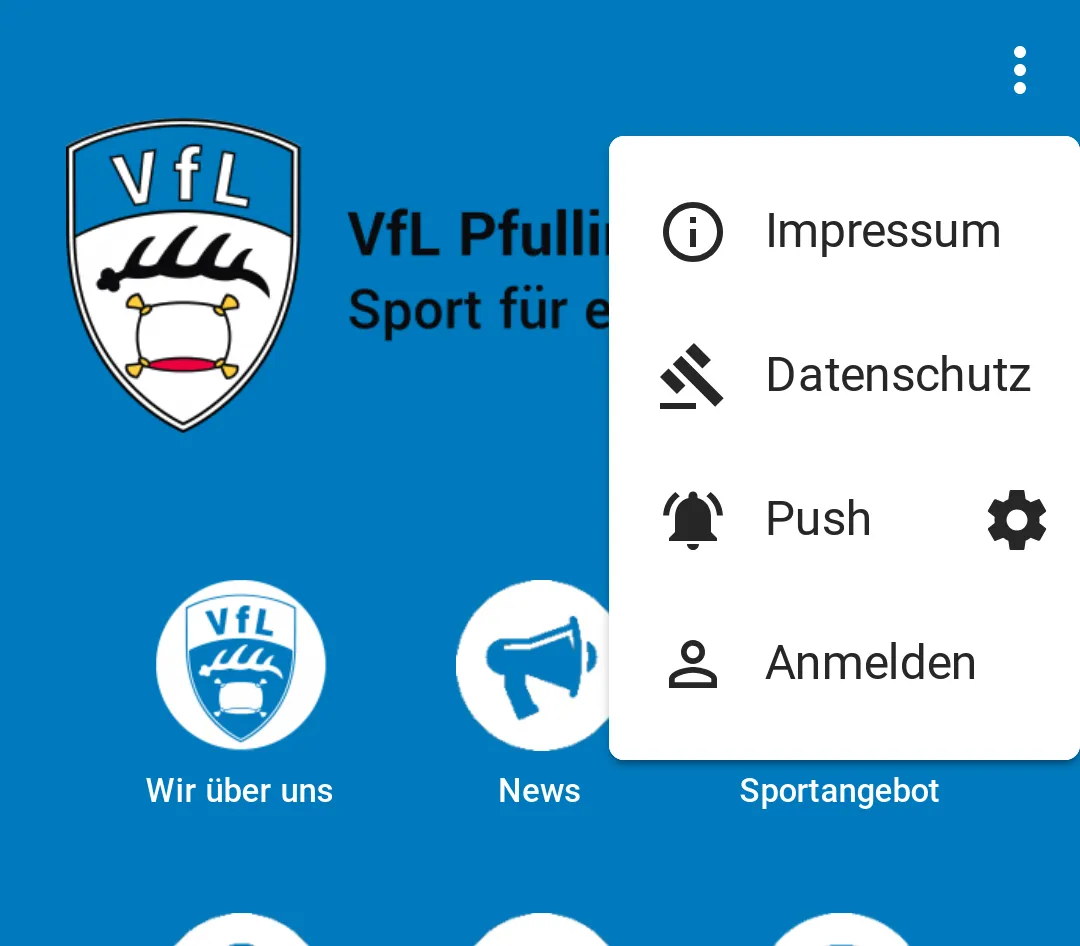
Way no. 2 – a tap on the menu at the top right, then on the cog there and on “Log in”, or a tap on the switch.
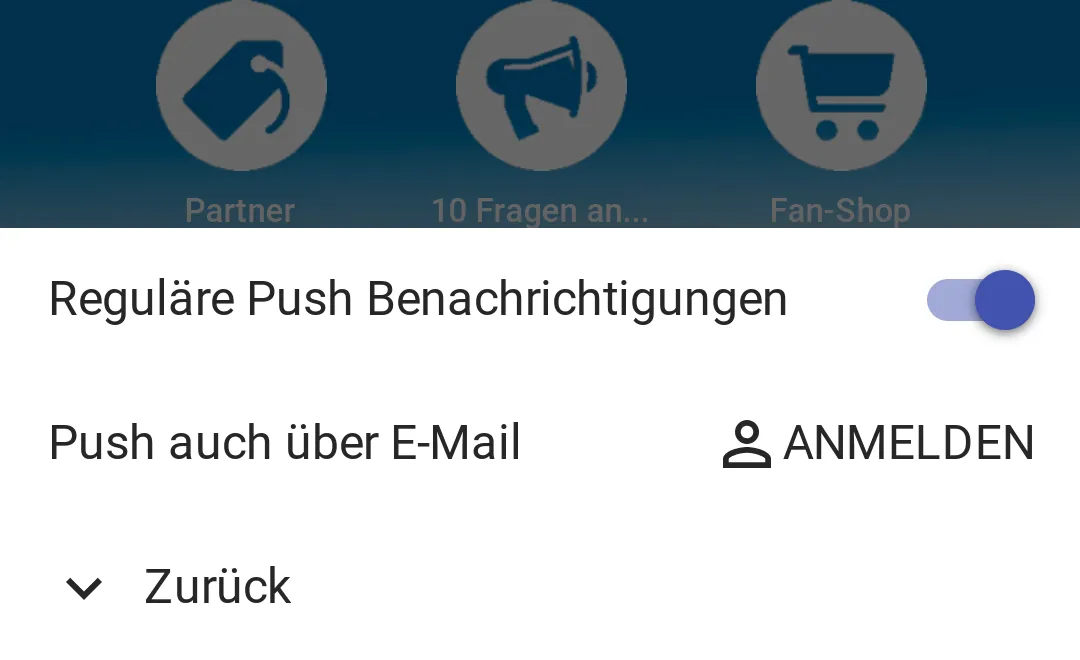
Receiving emails requires a confirmation, the so-called double opt-in, which is done in one go when users first log in.
Once users have logged in and confirmed with a single click in the email, email delivery of push notifications is switched on. It can then also be switched on & off easily via the cog.
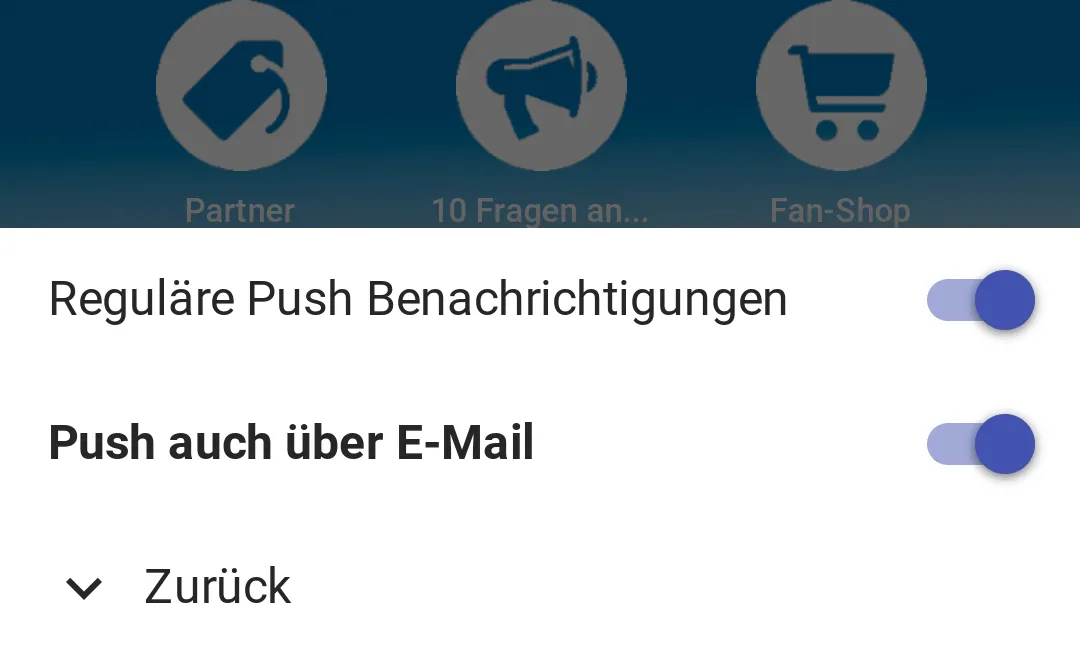
Whenever you publish articles or something else in the app triggers a push, the system automatically sends every registered user a native push notification and a matching email as well. It all happens seamlessly, so you don’t have to worry about the details.
Just try it and tell your users about the new option. It can only help your reach.
A quick note! The feature is currently available in all web app versions of your app, whether on Android, iOS, PC or Mac. If the app was downloaded from one of the stores, you won’t find the setting yet.
So take the chance to spread your modern web app through the many alternative and more widely used channels, and say goodbye to the complexity of the stores.
Do you have more ideas and suggestions? Then just let us know, either right below this article as a comment or by email.
Your app in minutes. Give it a try.
20 days free, no credit card.